Upload a clear photo
Choose a clear JPG or PNG upper-body photo where the clothing and body outline are easy to see.
Your 10 free creations reset each day. If a generation fails, that attempt is returned.
AI breast expansion · breast expansion photo editor · clothed photo shape preview
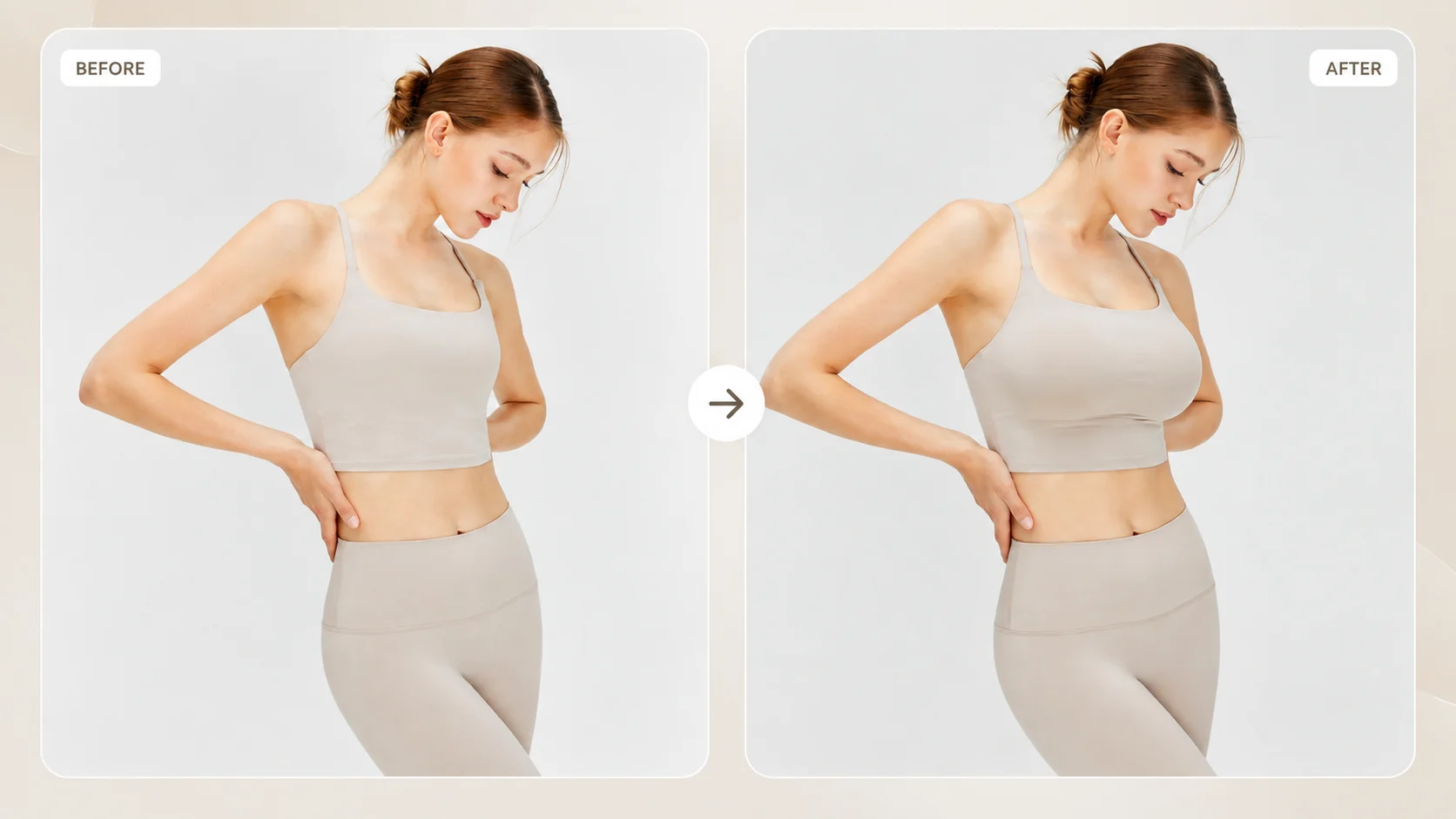
Upload a clear, clothed upper-body photo to generate a breast-expansion style preview and compare the result with your original image.
 1 / 6
1 / 6Upload a clear, clothed upper-body photo to generate a breast-expansion style preview and compare the result with your original image.
01Upload a clear photo
Choose a clear JPG or PNG upper-body photo where the clothing and body outline are easy to see.
02Generate the preview
Start the generation to create a breast-expansion style image preview from the uploaded photo.
03Compare and download
Compare the generated image with the original, then download the version you want to keep.
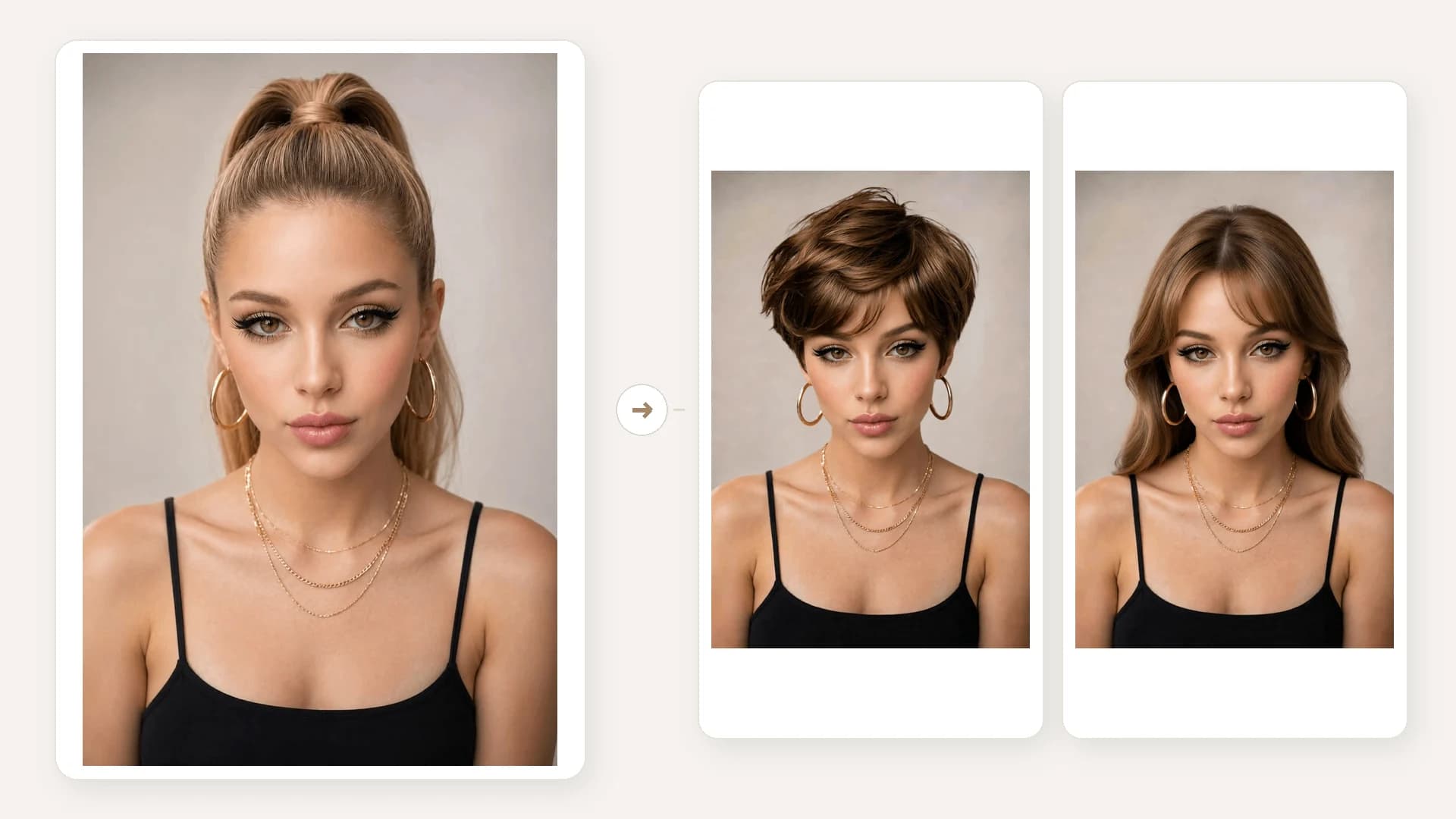
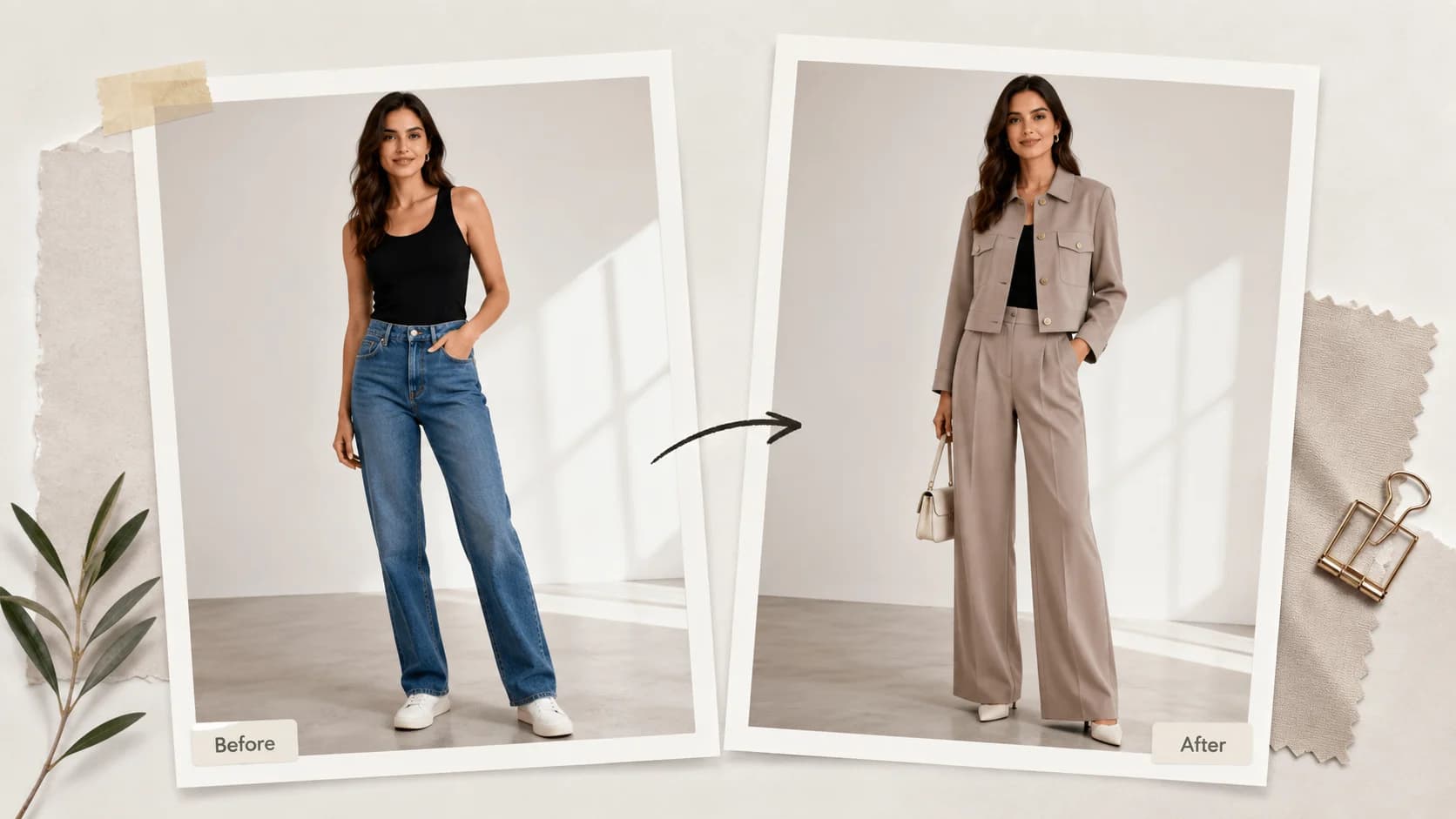
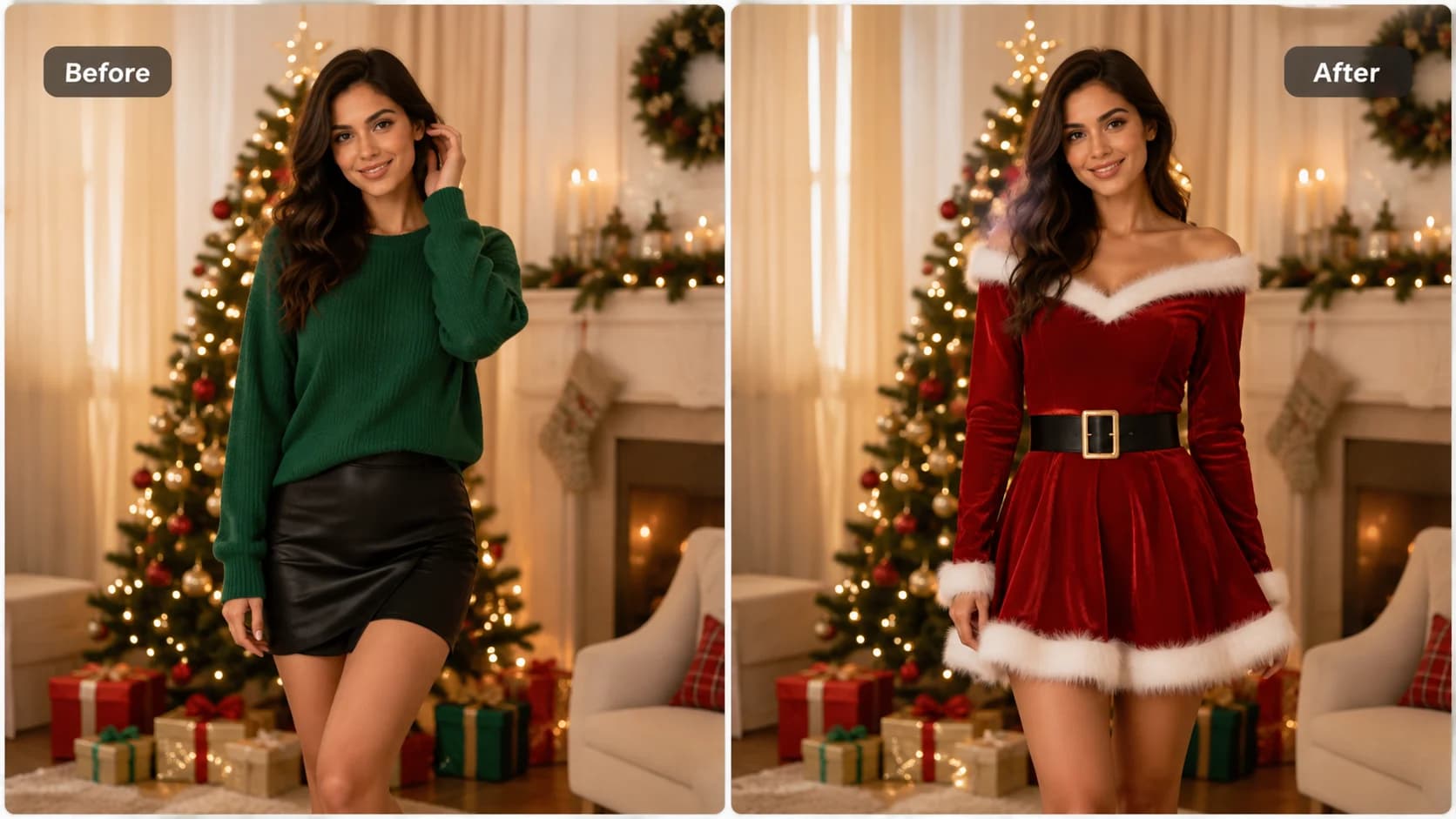
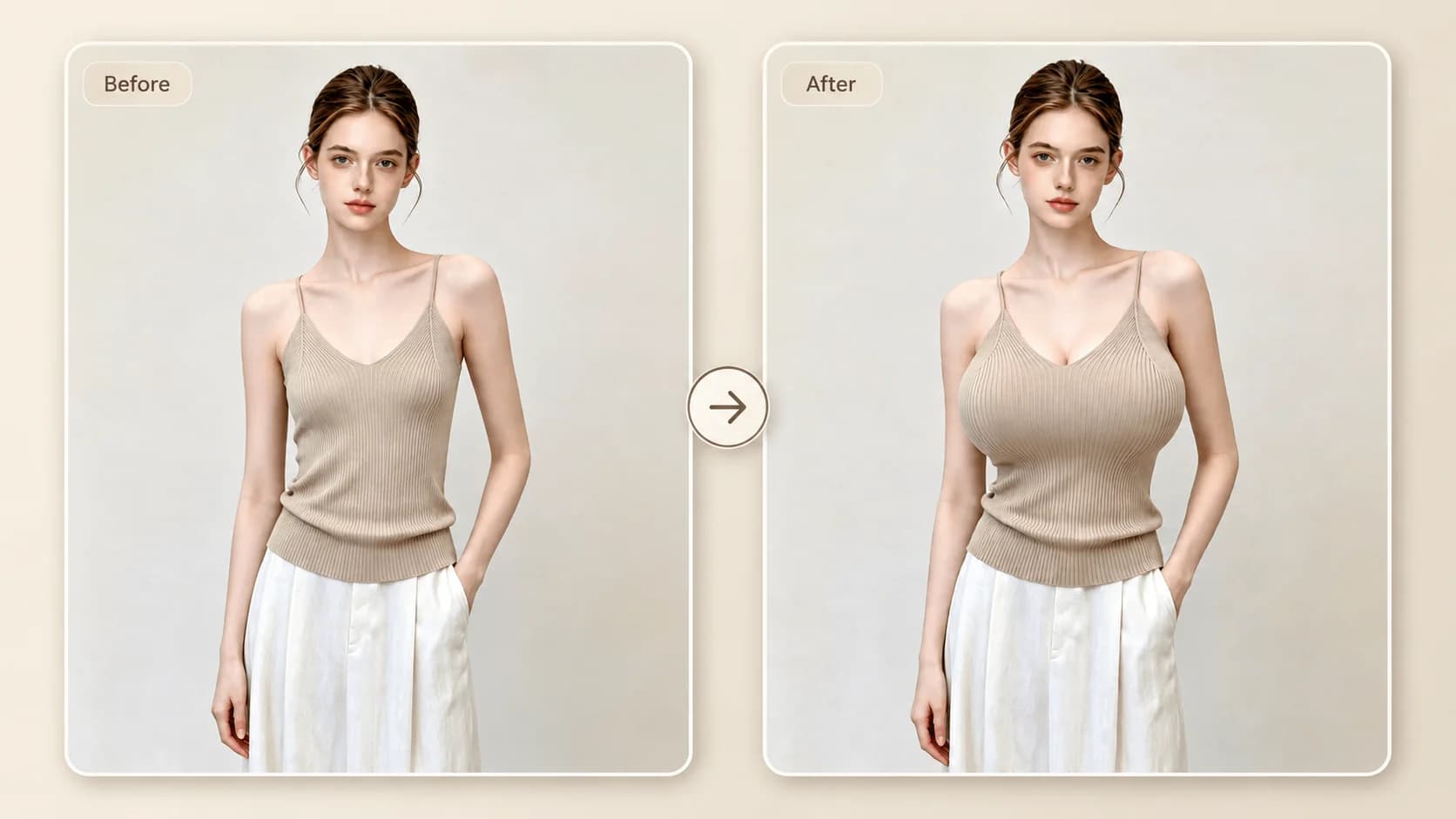
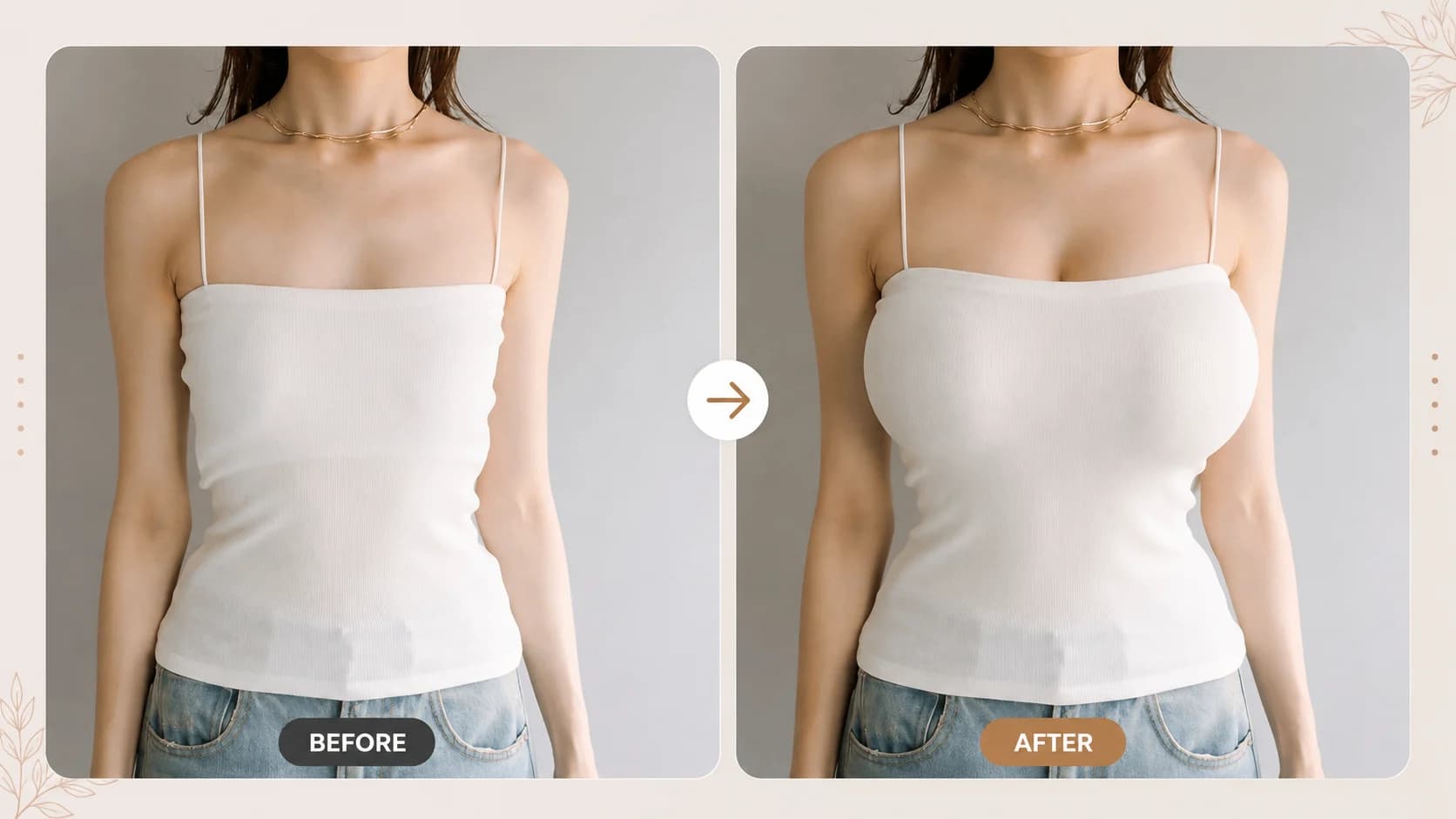
Use these clothed-photo examples to understand the kind of body-shape comparison the editor creates.
HOW IT WORKS
Use a clear, clothed upper-body photo to create a visual shape preview. The result is an image edit, not a medical, surgical or body-measurement prediction.
Choose a clear JPG or PNG upper-body photo where the clothing and body outline are easy to see.
Start the generation to create a breast-expansion style image preview from the uploaded photo.
Compare the generated image with the original, then download the version you want to keep.
01
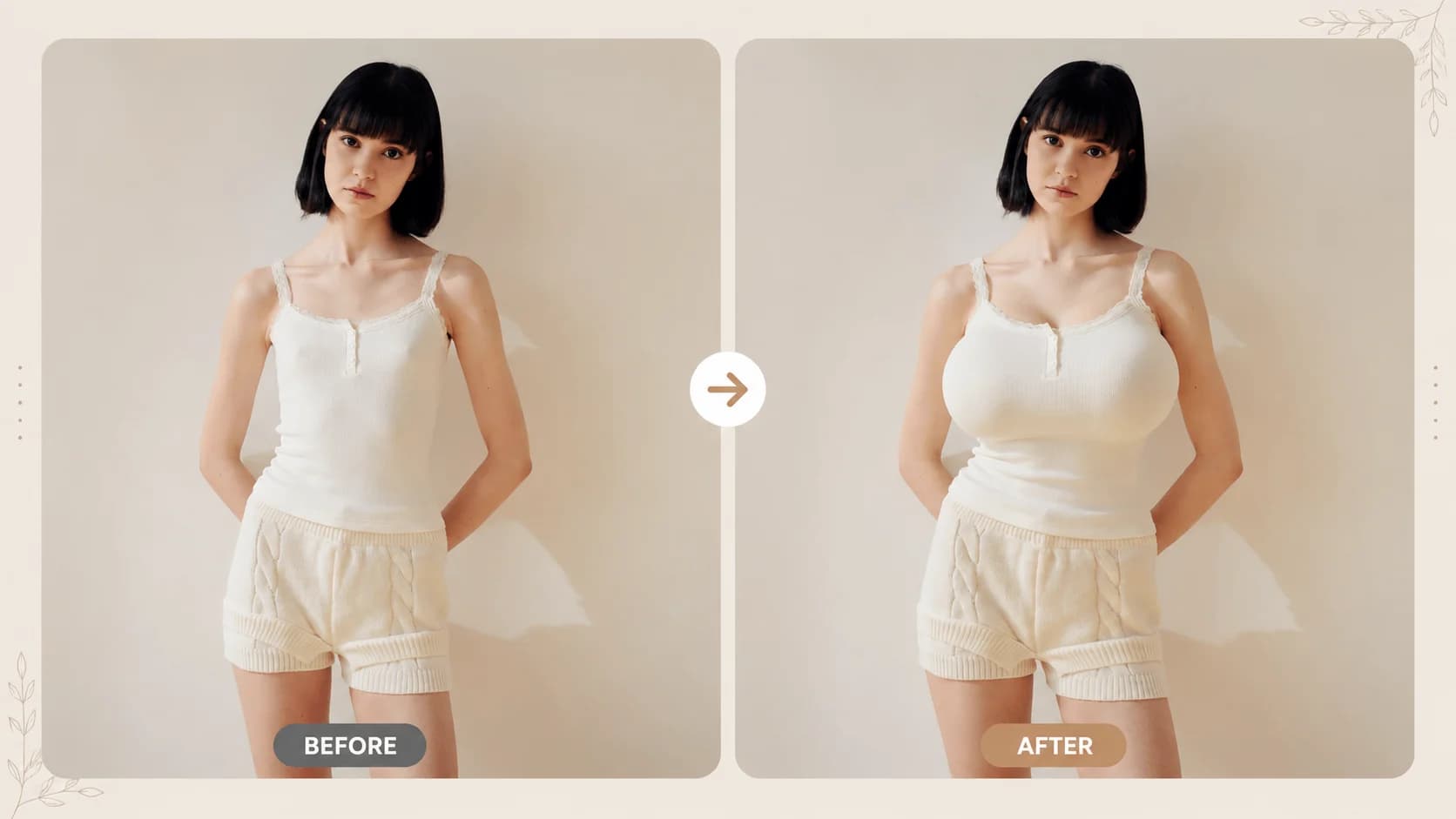
An AI breast expansion editor is an online image tool that changes the visual shape of the chest area in a photo. This version is designed for clothed upper-body previews so you can compare an edited image with the original.
02
A shape preview can help with outfit, costume and character-reference discussions when you want to compare one visual direction with another. It should not be treated as a prediction of a real body or a real garment fit.
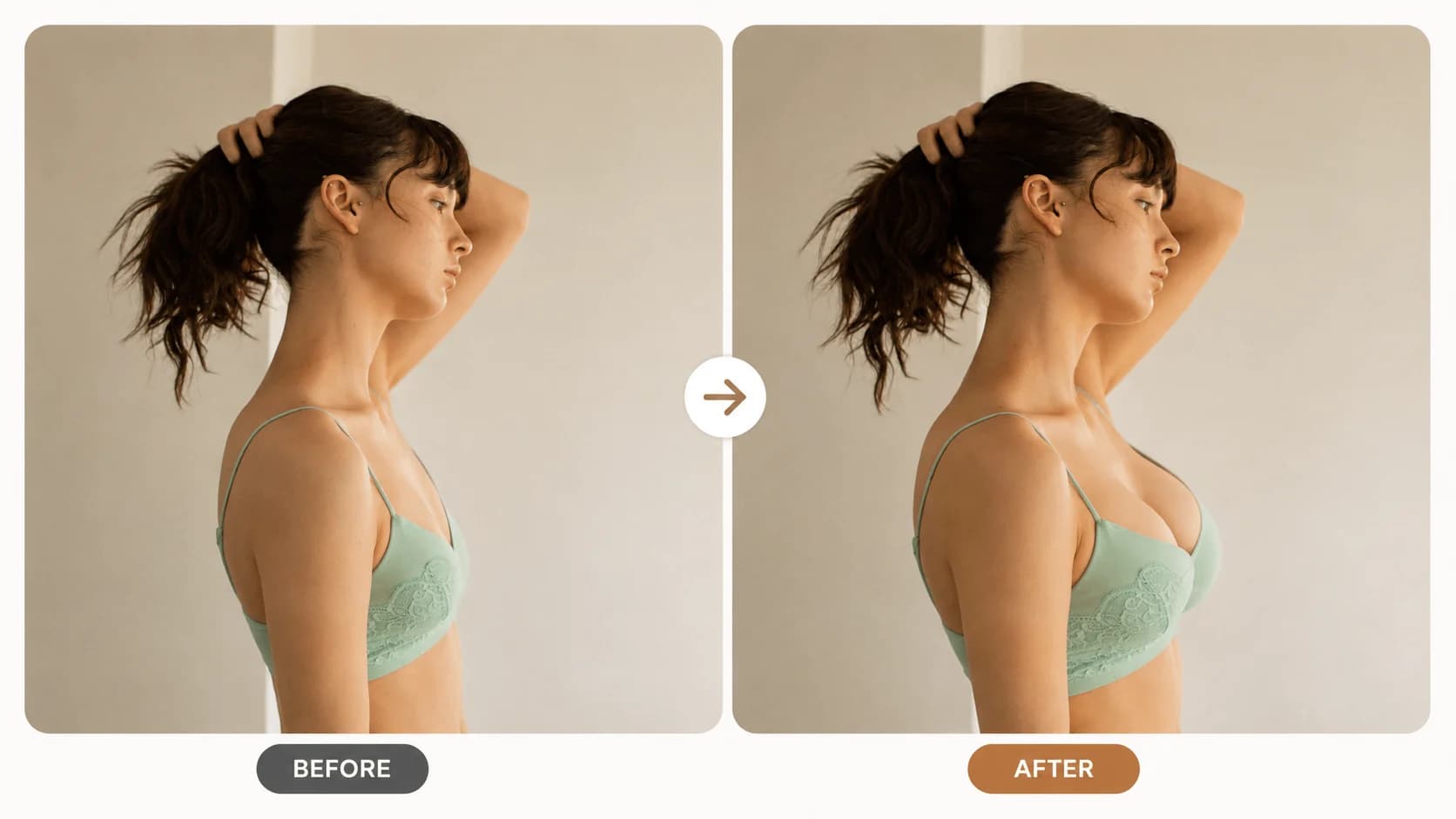
03
A clear, well-lit photo with the upper body visible gives the editor a stronger starting point. Avoid heavy blur, extreme crops and objects that hide the clothing outline.
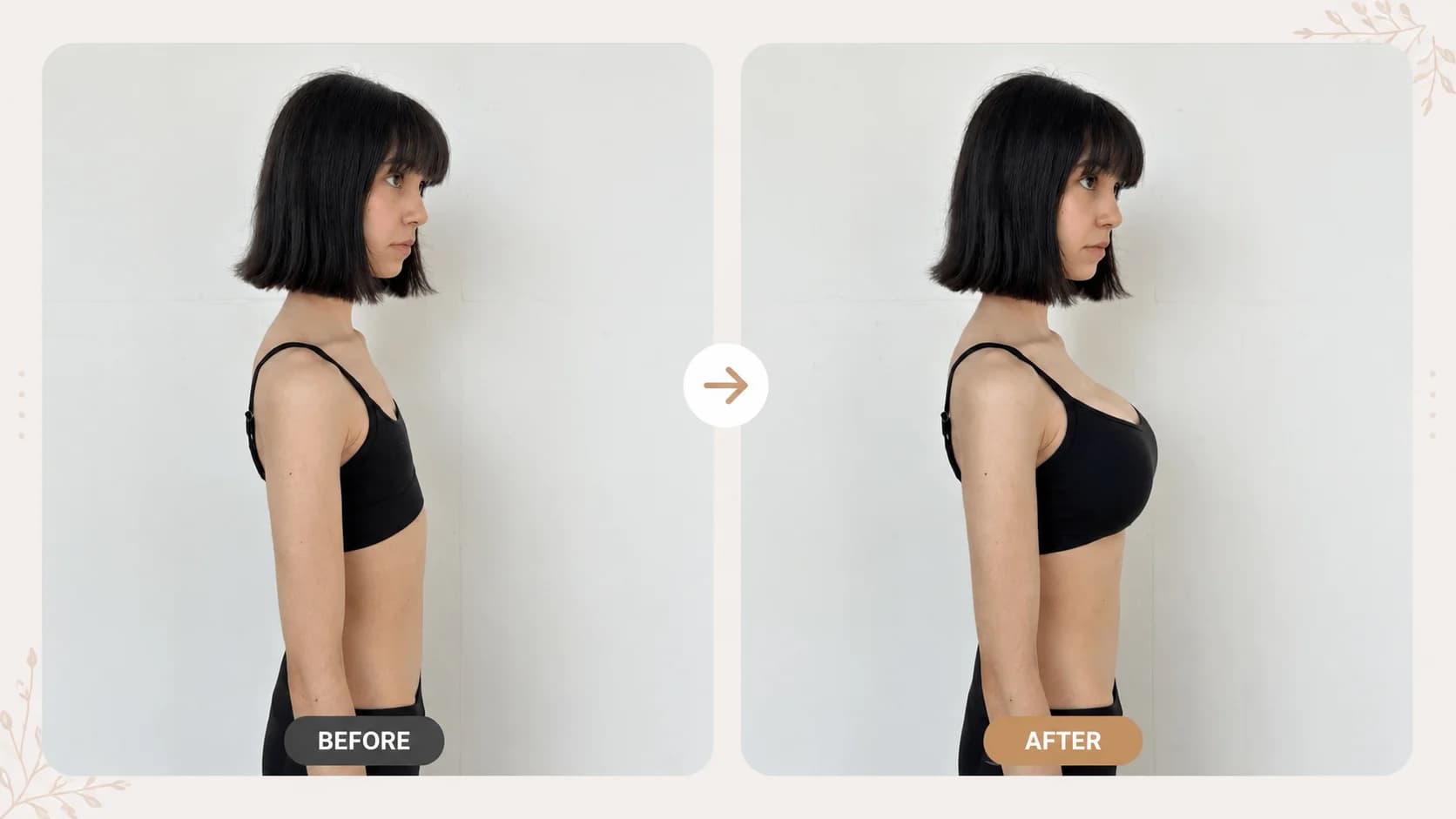
04
Generated images can vary with pose, lighting, clothing and the source photo. Use the result as a creative visual preview, and keep the original image available when comparing options.
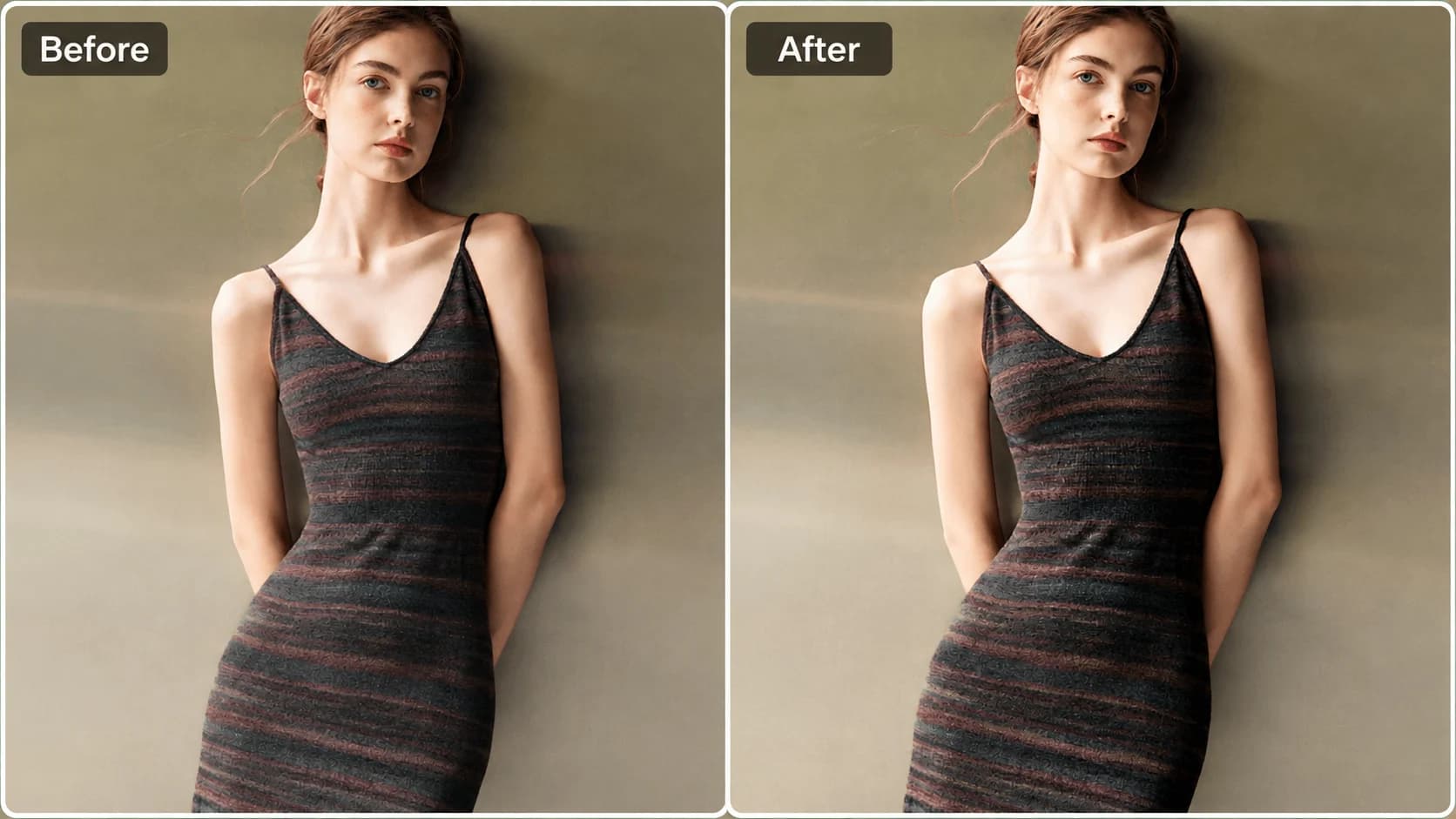
View Products
FAQ
It creates a visual breast-expansion style preview from one upper-body photo. The output is an edited image for comparison, not a medical assessment or a prediction of a real-world body change.
Use a clear, well-lit, clothed upper-body image with the clothing outline visible. Avoid group photos, heavy filters, large obstructions and extreme crops.
No. The editor creates a visual image preview only. It cannot measure garment size, fabric stretch, comfort or real-world fit.
No. You can start with the daily free creations without an account or payment details. A failed generation is returned to the daily allowance.
Pose, lighting, garment shape and image clarity affect the output. Trying another clear source photo can produce a more useful comparison.
A failed generation does not use one of your daily free creations. Try again with a clear image where the upper body is visible.