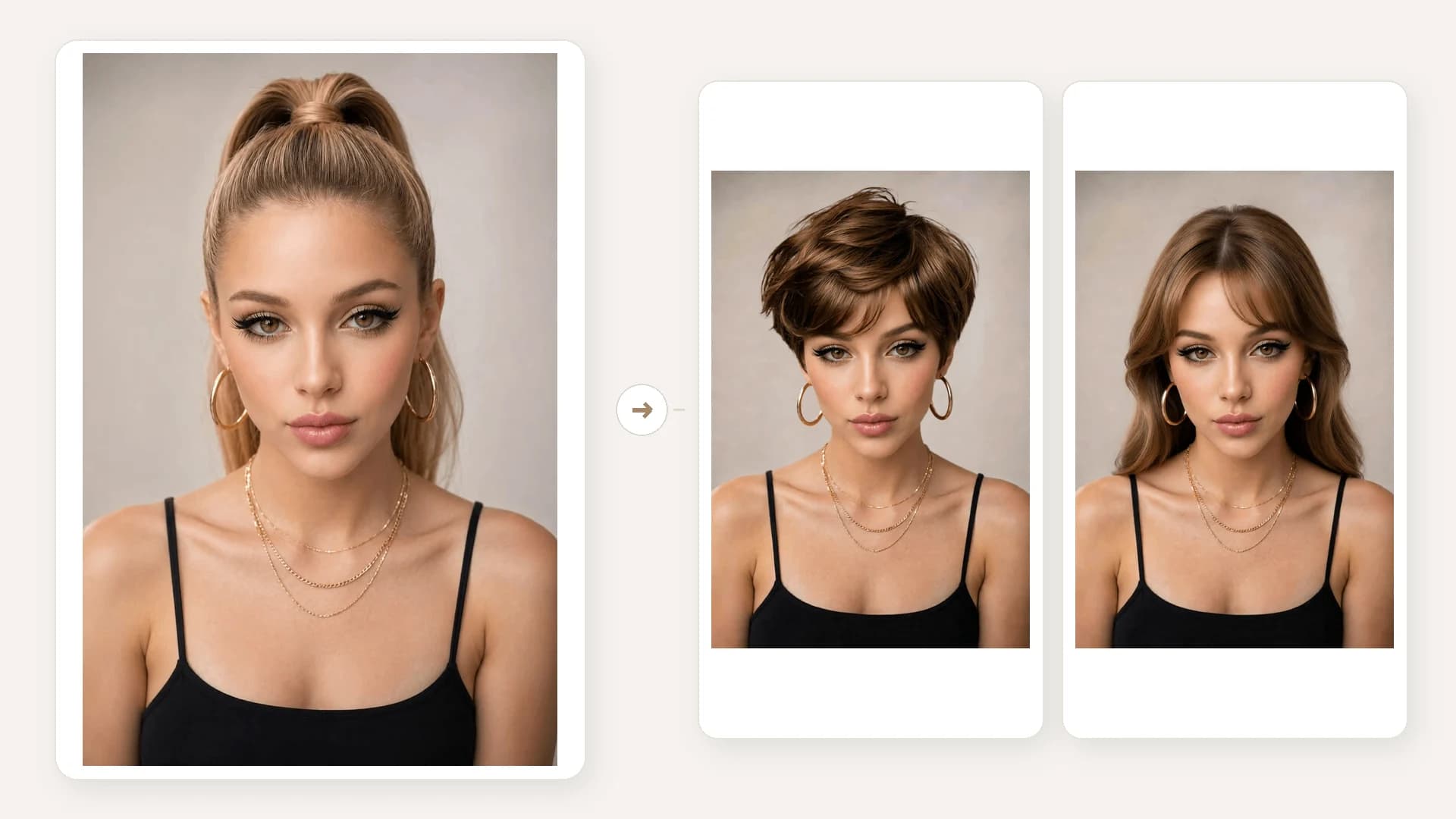
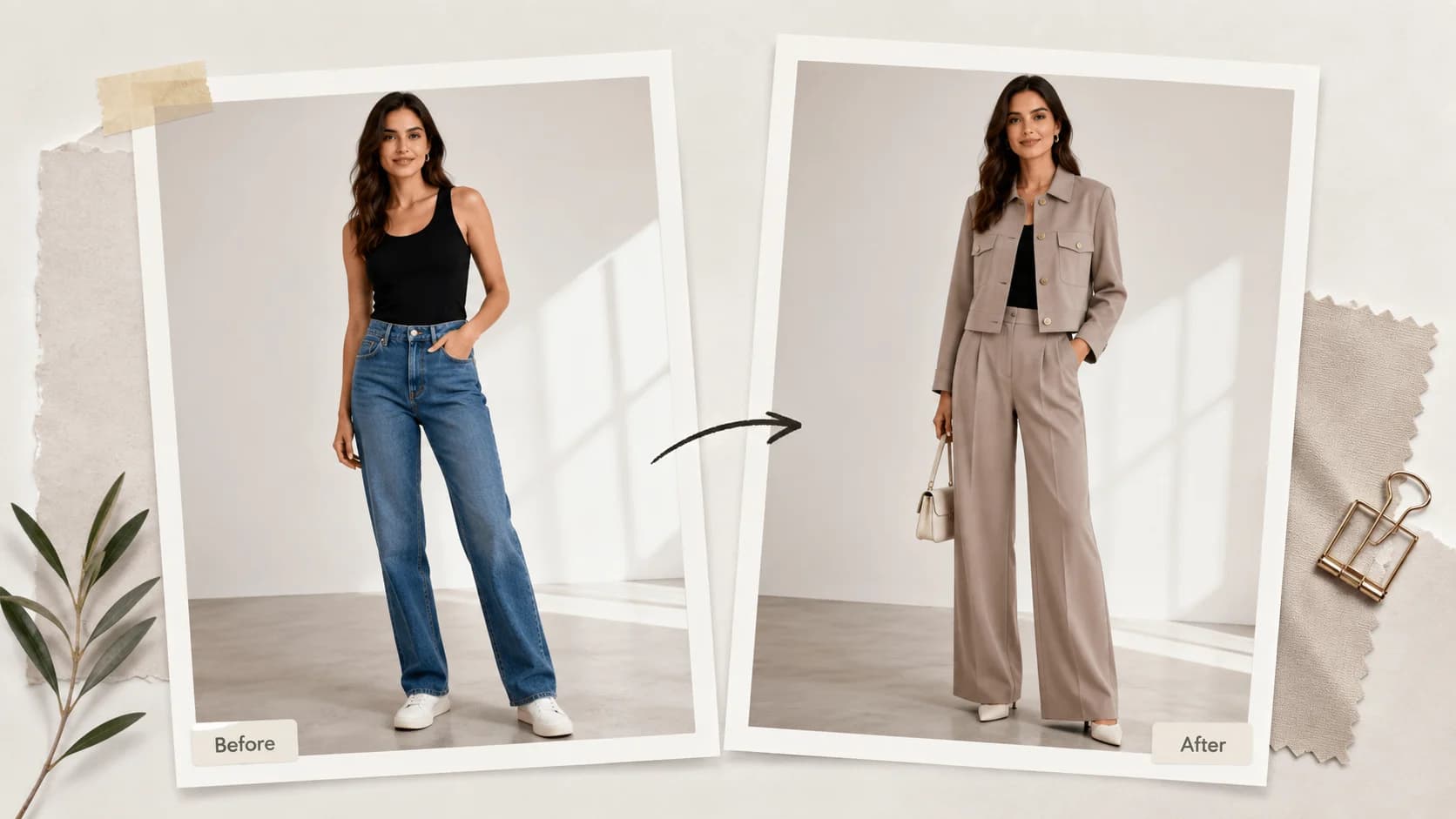
Add the person and garment images
Choose a clear JPG or PNG person photo, then add the Christmas outfit or festive garment image to preview.

Your 10 free creations reset each day. If a generation fails, that attempt is returned.
AI Christmas outfit generator · virtual Christmas outfit try-on · festive outfit preview
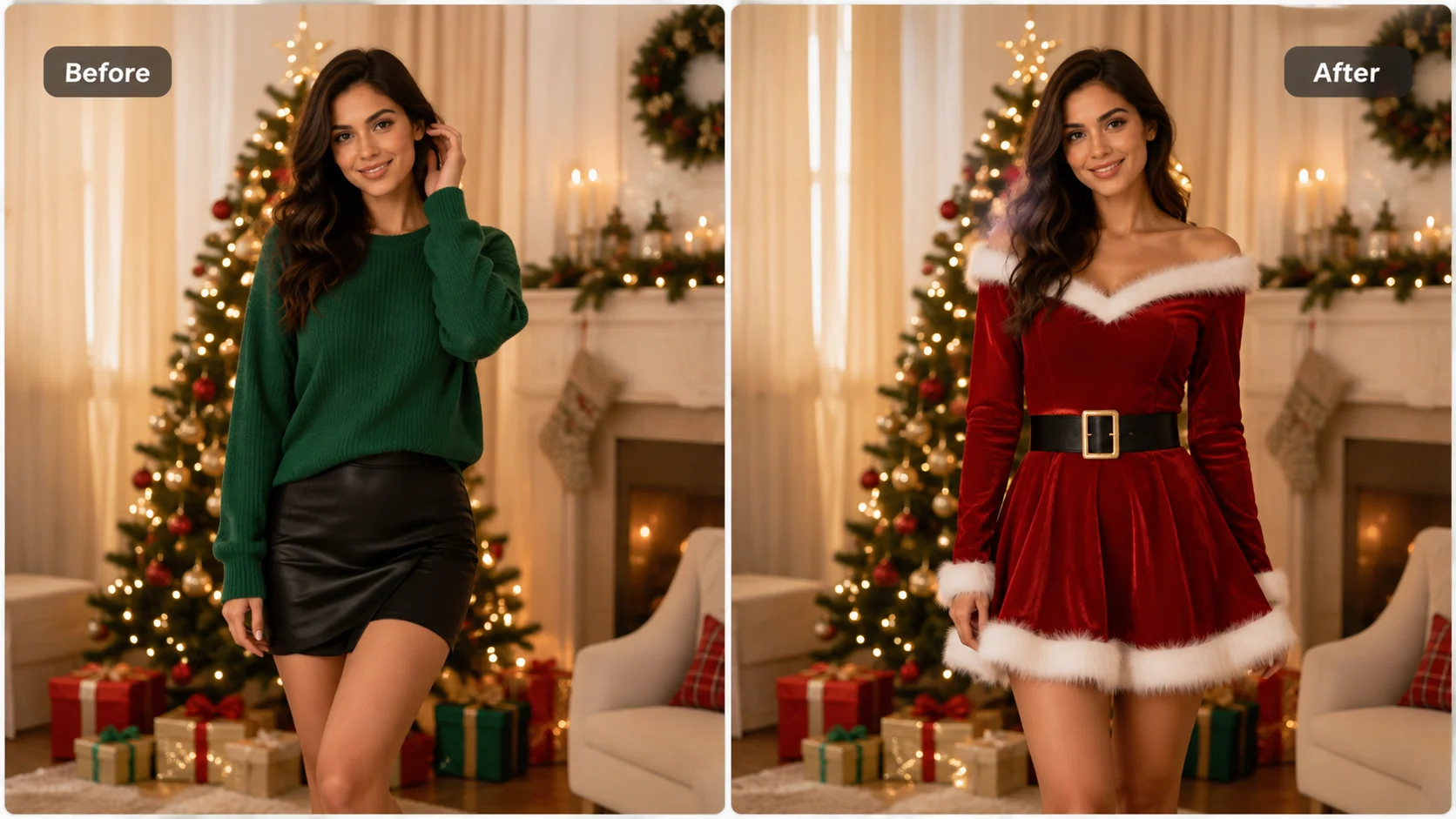
Upload a person photo and a festive garment image to create an AI Christmas outfit preview. Compare holiday clothing directions before saving a result.
 1 / 5
1 / 5Upload a person photo and a festive garment image to create an AI Christmas outfit preview. Compare holiday clothing directions before saving a result.
01Add the person and garment images
Choose a clear JPG or PNG person photo, then add the Christmas outfit or festive garment image to preview.
02Choose the clothing area
Select top, bottom, or full body to match the garment reference before starting the generation.
03Compare and save the preview
Review the generated image alongside the source photo and download the version you want to keep.
Add a person photo and a festive garment reference, then generate a visual comparison for a holiday look.
HOW IT WORKS
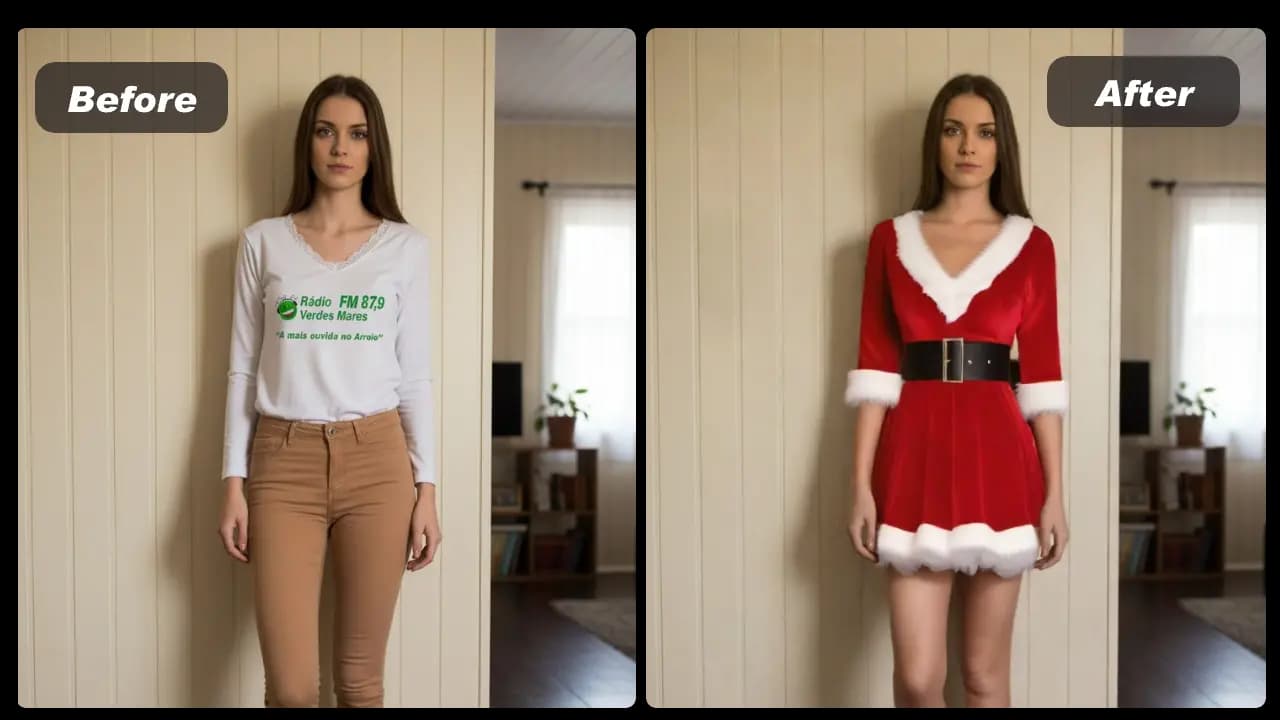
Use a person photo and a festive garment image to create a visual styling preview in three steps.
Choose a clear JPG or PNG person photo, then add the Christmas outfit or festive garment image to preview.
Select top, bottom, or full body to match the garment reference before starting the generation.
Review the generated image alongside the source photo and download the version you want to keep.
01
Use the same person photo with different holiday garments to compare colors, silhouettes, and styling ideas for a festive look.
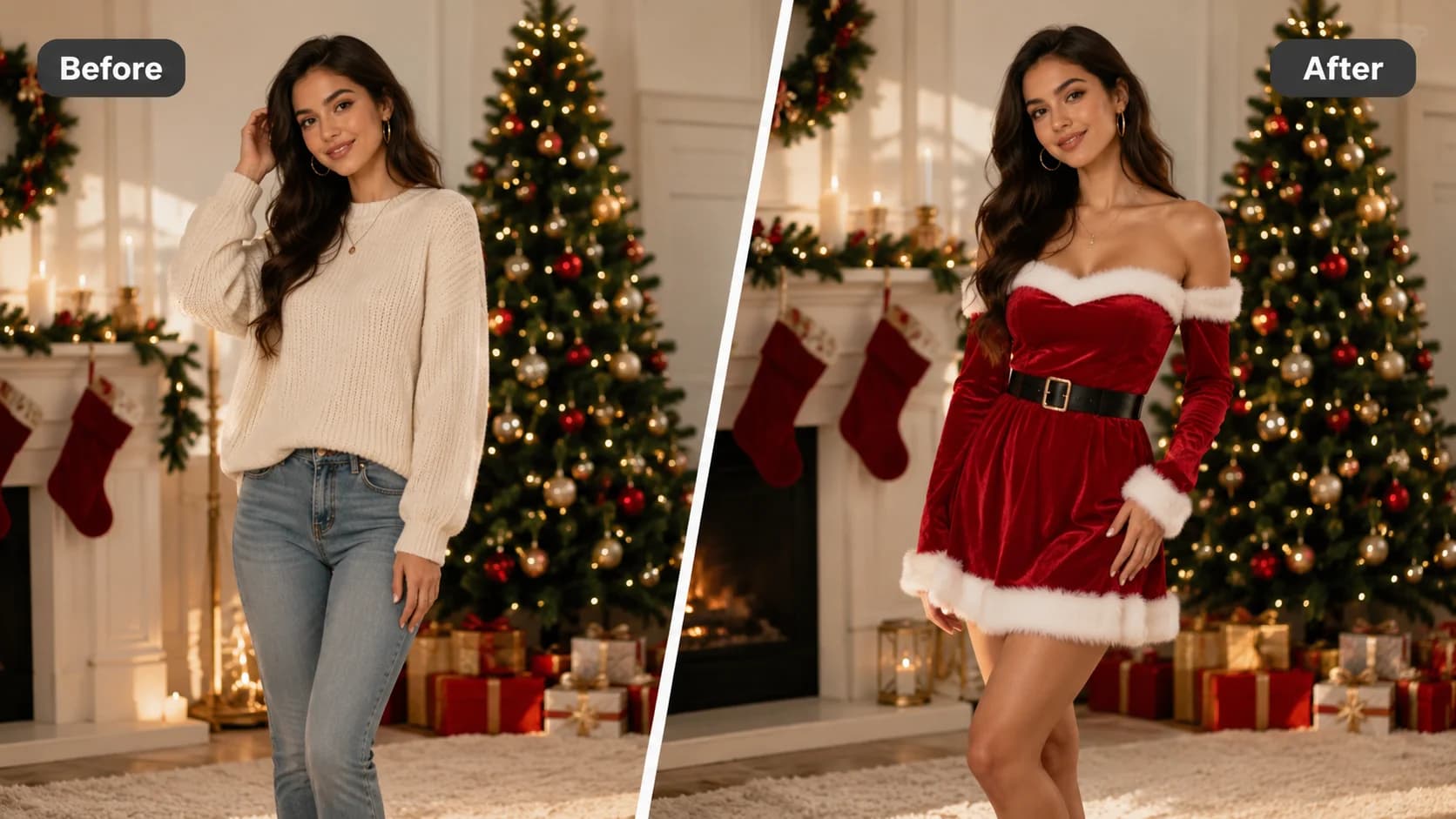
02
A clear person image, natural pose, and a garment reference with visible edges and colors make the result easier to review.
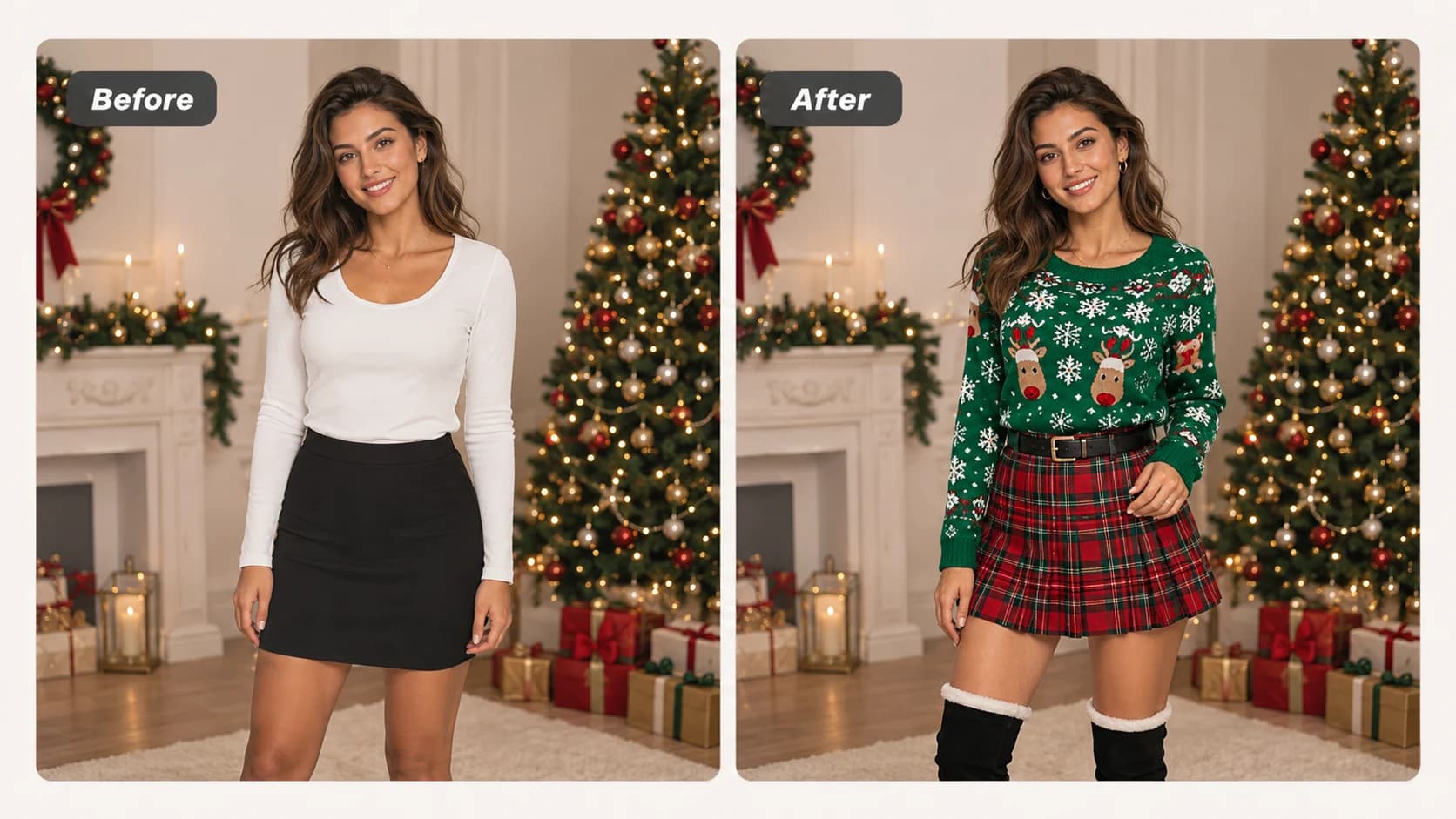
03
The output helps you explore a creative direction. It is not a measurement, a sizing recommendation, or a prediction of physical garment fit.
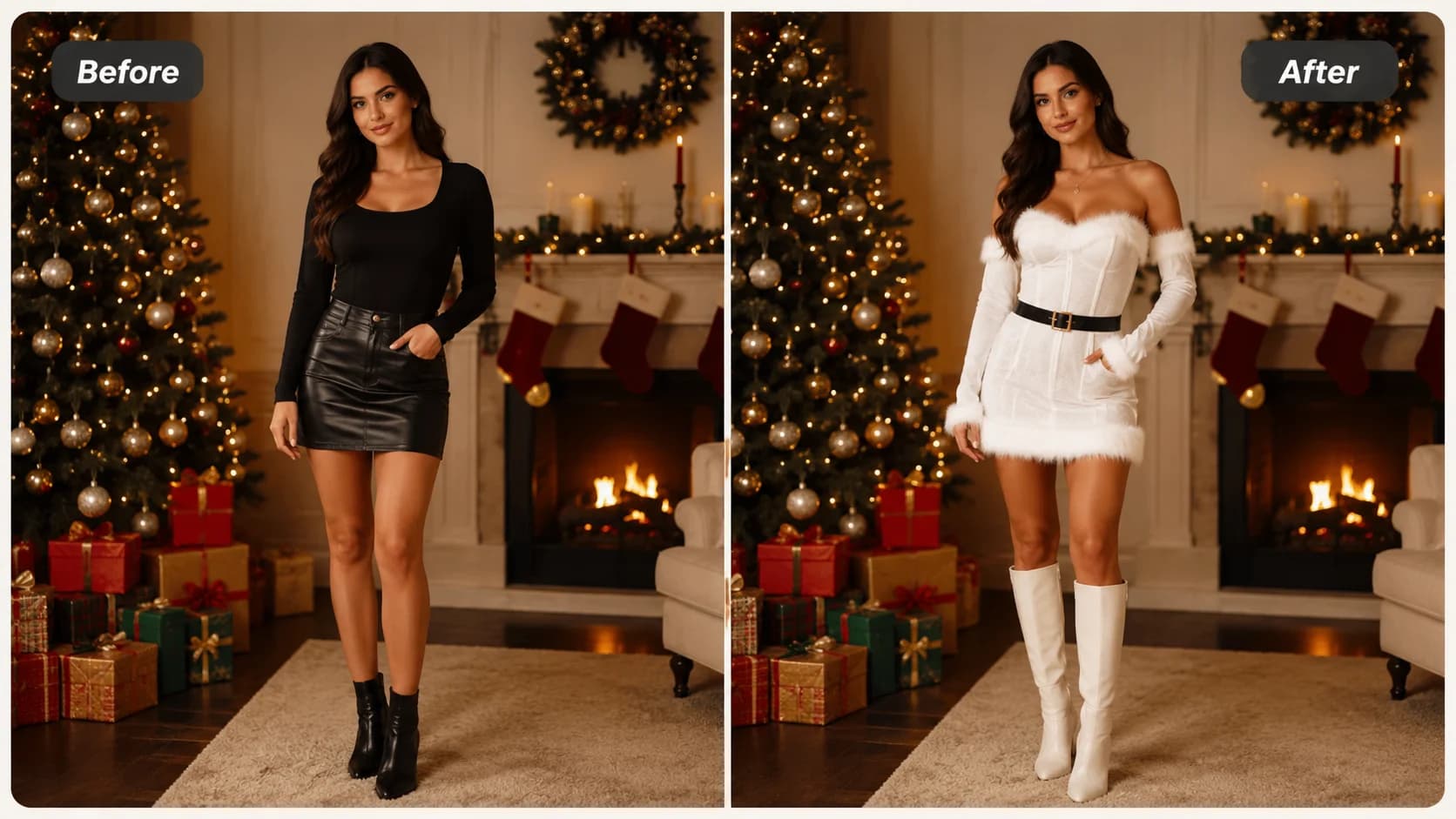
View Products
FAQ
Add one person photo and one festive garment image. The editor accepts JPG and PNG images.
Select top, bottom, or full body based on the garment image you want to preview.
Use a clear, well-lit person image and a garment image with visible clothing details. Pose, crop, lighting, and image quality can affect the result.
No. It is a visual styling preview, not a body measurement tool, sizing recommendation, or guarantee of physical fit.
Yes. You have 10 free creations each day without sign-in or payment. Failed generations return that attempt to your allowance.
Yes. Use the same person photo with another garment image to compare several holiday clothing directions.
Yes. The editor includes sample person images you can select before uploading your own image.
The output is influenced by the two source images. Garment shape, pose, lighting, crop, and image clarity all affect the visual comparison.
Select History to view images generated in this browser and reopen or download an earlier result.
A failed generation is returned to your daily free allowance, so the attempt is not lost.