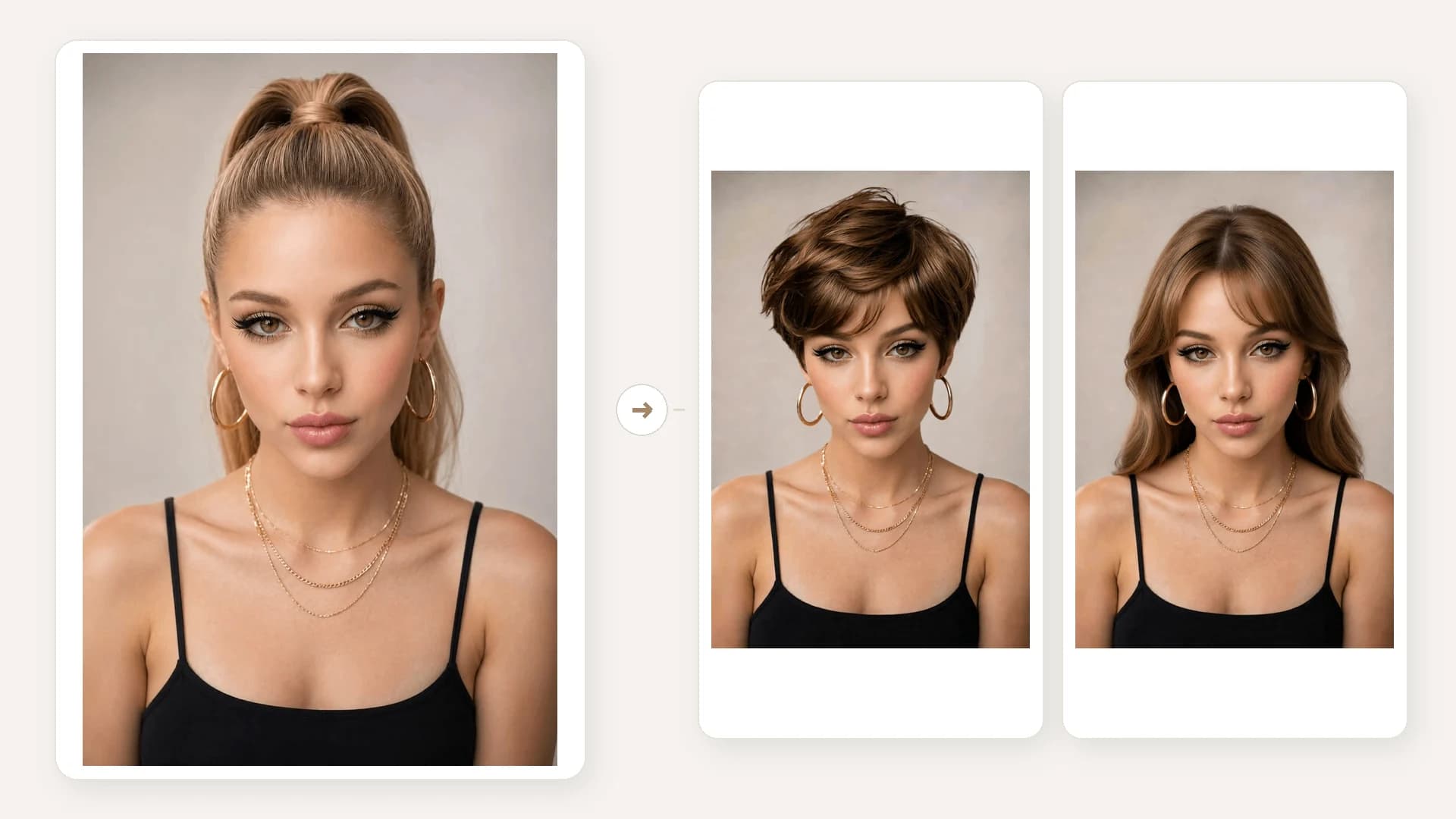
Upload the person and garment
Add one clear person photo and at least one garment image. Choose whether you are trying a top, bottom or full-body look.

Your 10 free creations reset each day. If a generation fails, that attempt is returned.
virtual clothes try-on · AI clothes try-on · clothes changer
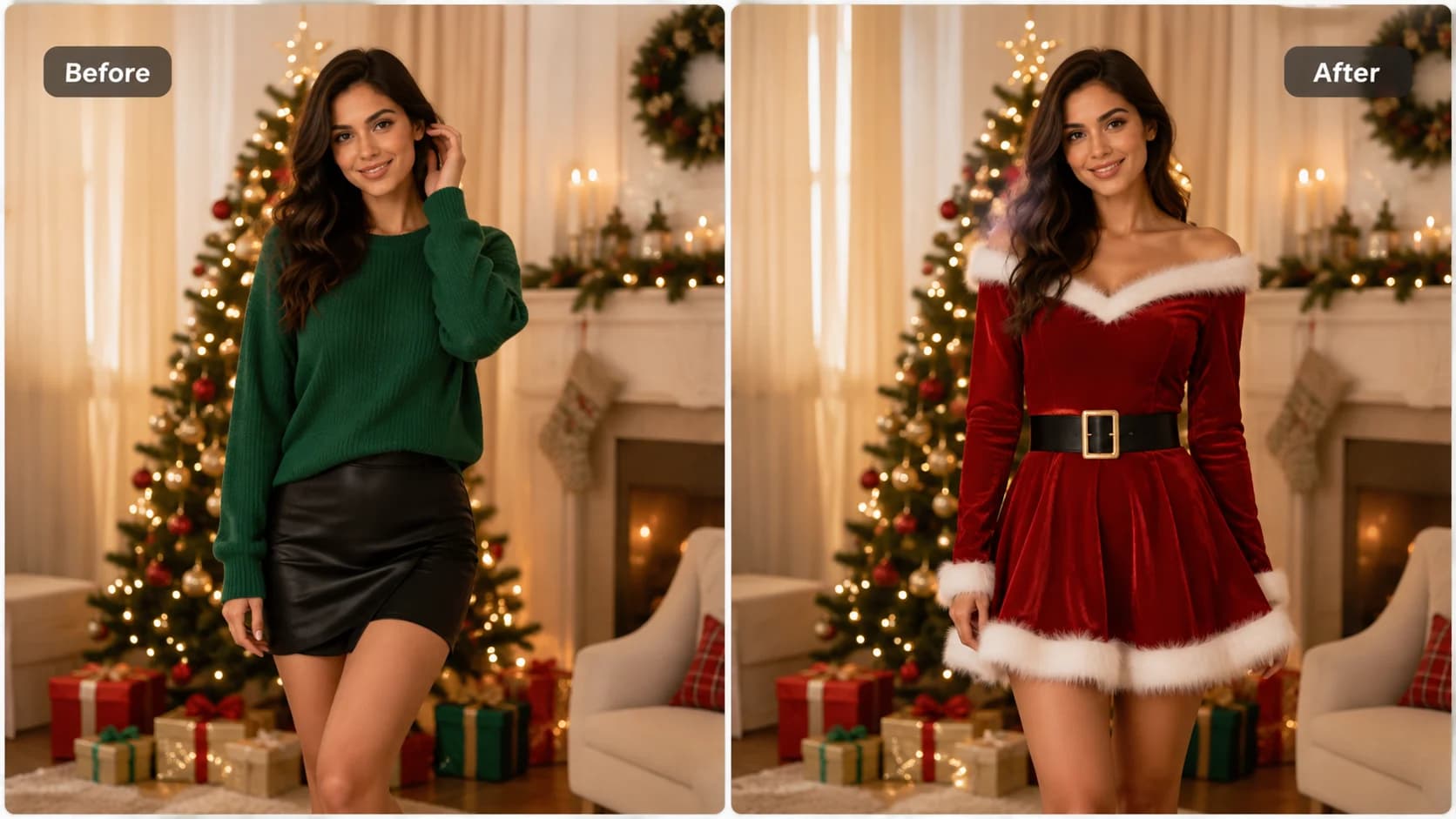
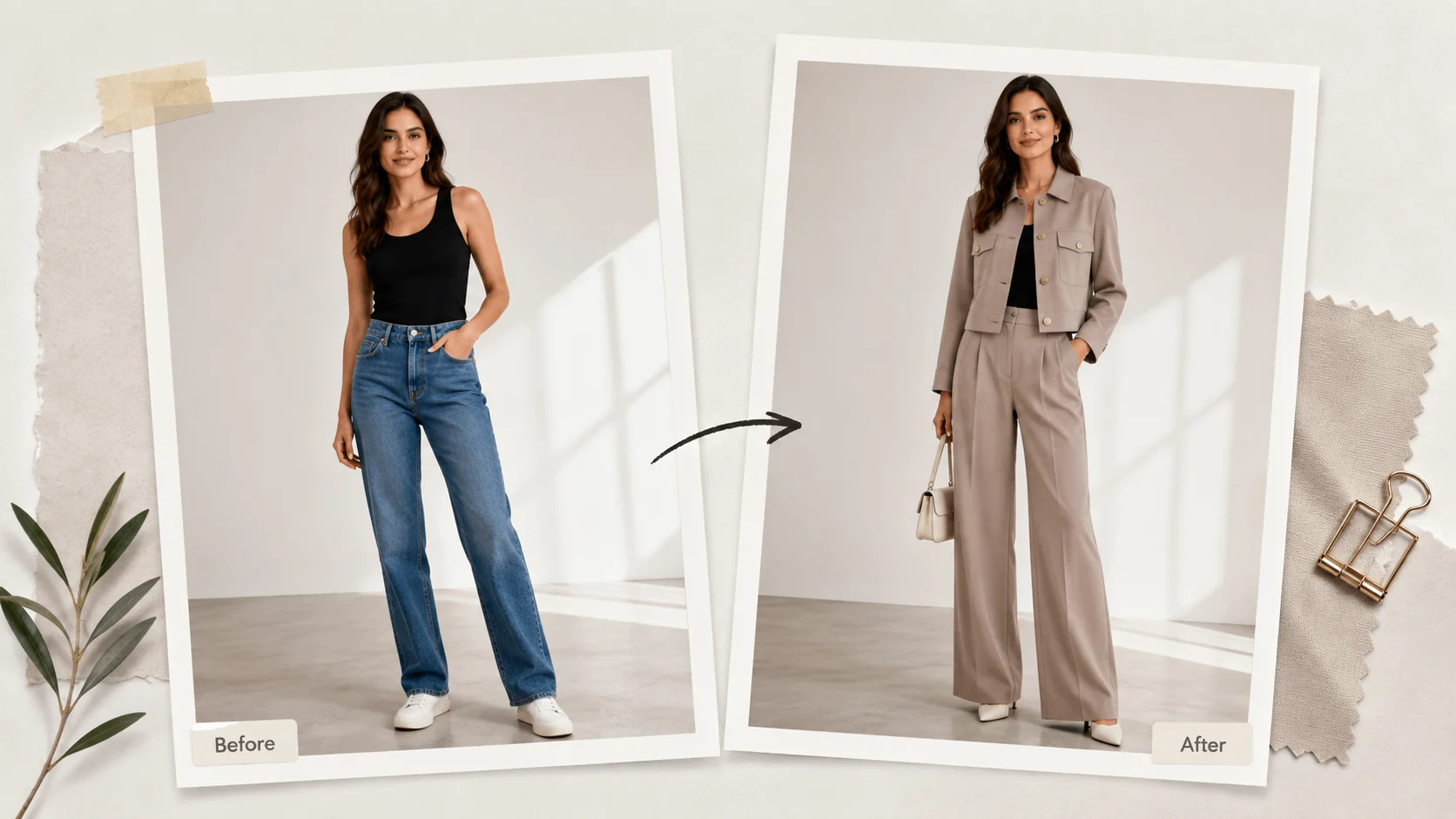
Upload a person photo and a garment image to generate a virtual clothes try-on preview for a top, bottom or full look.
 1 / 7
1 / 7Upload a person photo and a garment image to generate a virtual clothes try-on preview for a top, bottom or full look.
01Upload the person and garment
Add one clear person photo and at least one garment image. Choose whether you are trying a top, bottom or full-body look.
02Generate the outfit preview
Start generation after checking the two images. Use a front-facing, uncluttered garment image for a clearer comparison.
03Compare and download
Review the generated image with the original inputs, then download the preview you want to keep.
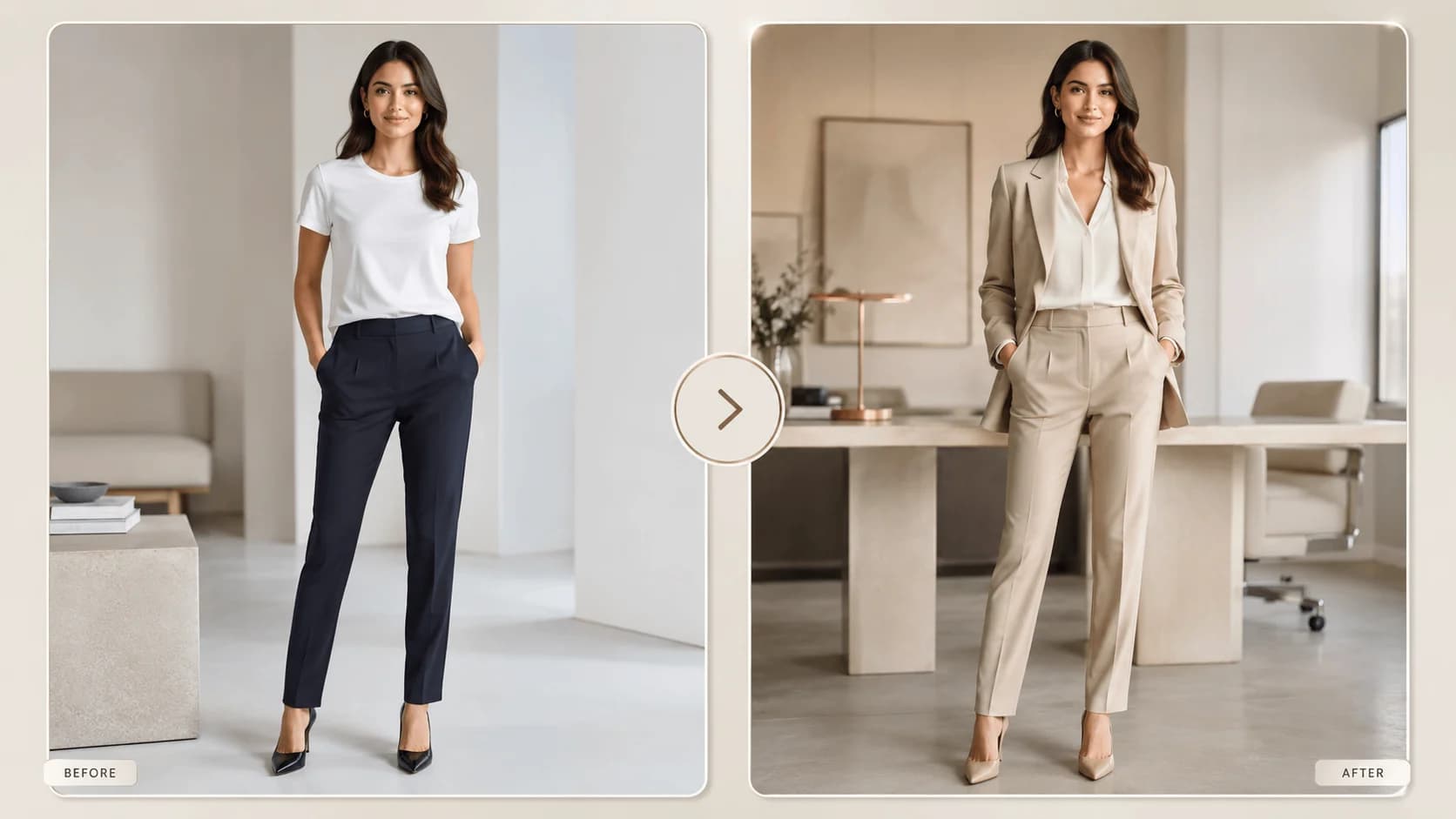
These examples show the two inputs the tool uses: a clear person photo and a single garment image.
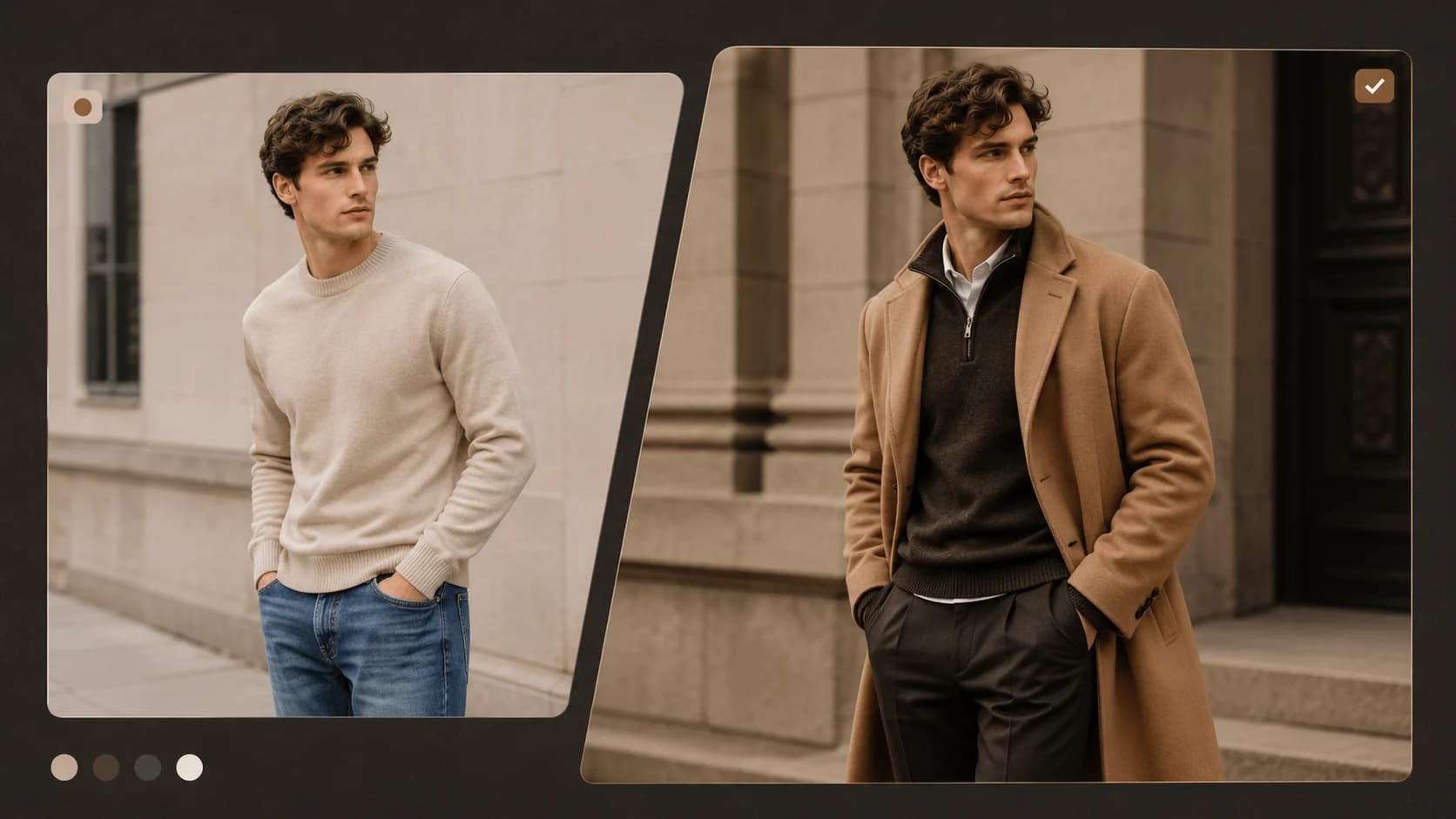
HOW IT WORKS
Start with a clear front-facing person photo and a single garment image. The result is a visual preview, not a sizing or fit recommendation.
Add one clear person photo and at least one garment image. Choose whether you are trying a top, bottom or full-body look.
Start generation after checking the two images. Use a front-facing, uncluttered garment image for a clearer comparison.
Review the generated image with the original inputs, then download the preview you want to keep.
01
Use a virtual try-on when you want to see the relationship between a garment and your photo before styling, sharing an outfit idea or saving a reference. It helps compare looks; it does not predict size, fabric feel or real-world fit.
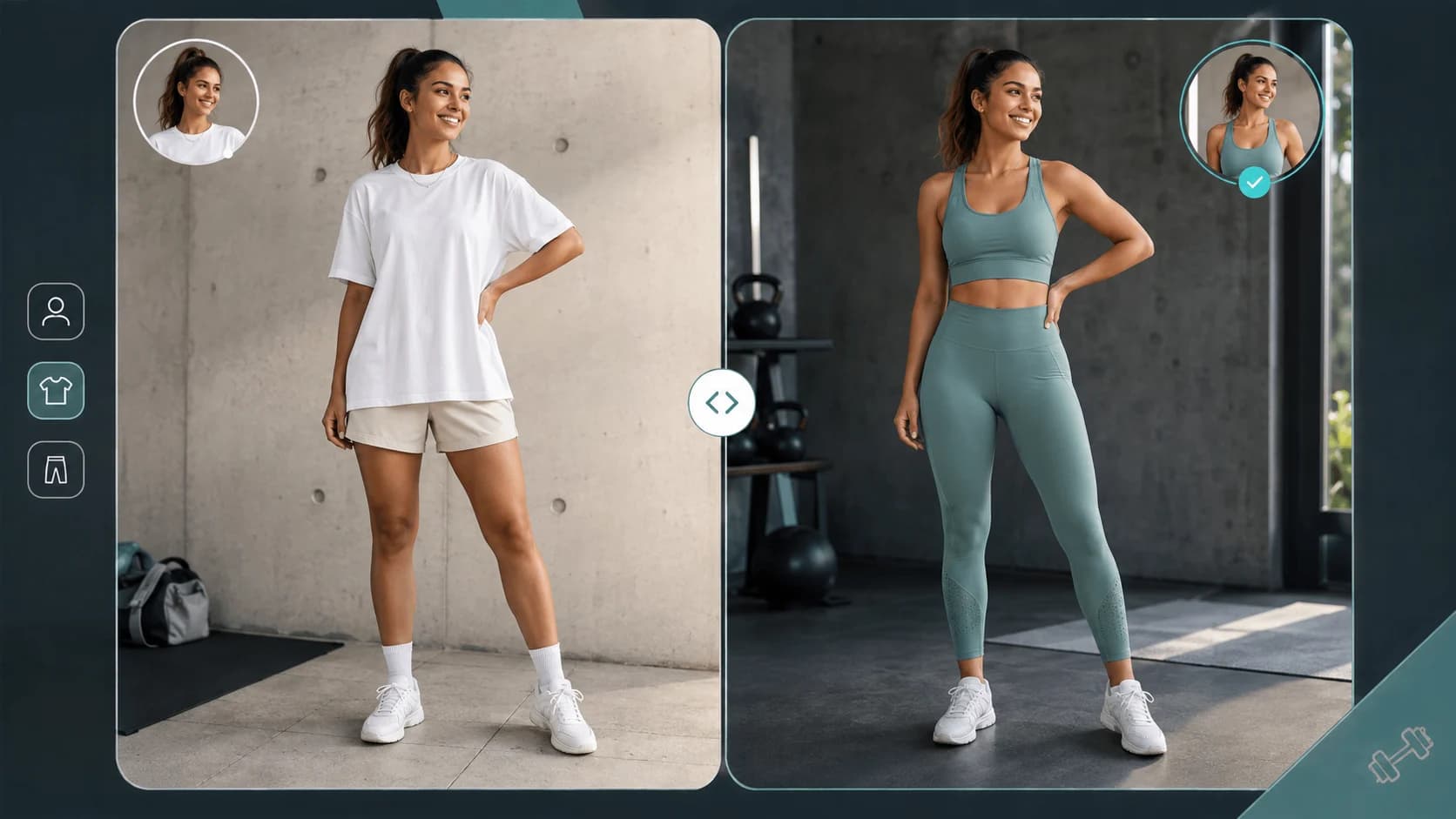
02
A single person in a clear, front-facing photo gives the model a better starting point. For the garment, use one item laid flat or photographed from the front, with minimal folds, clutter or other objects.
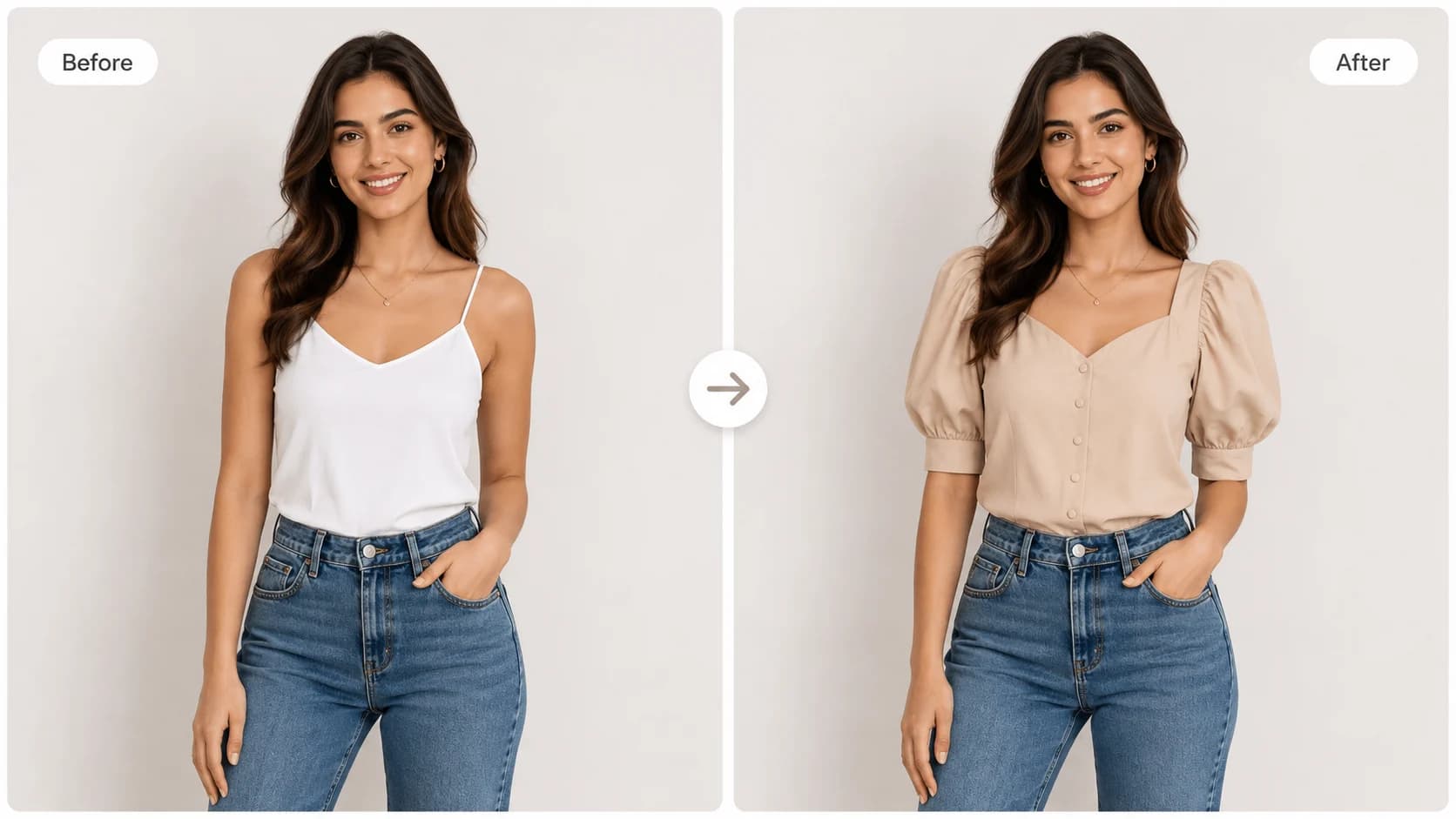
03
Keep the same person photo while changing only the garment image. That makes the visual difference between colors, cuts and outfit ideas easier to read than comparing unrelated source photos.
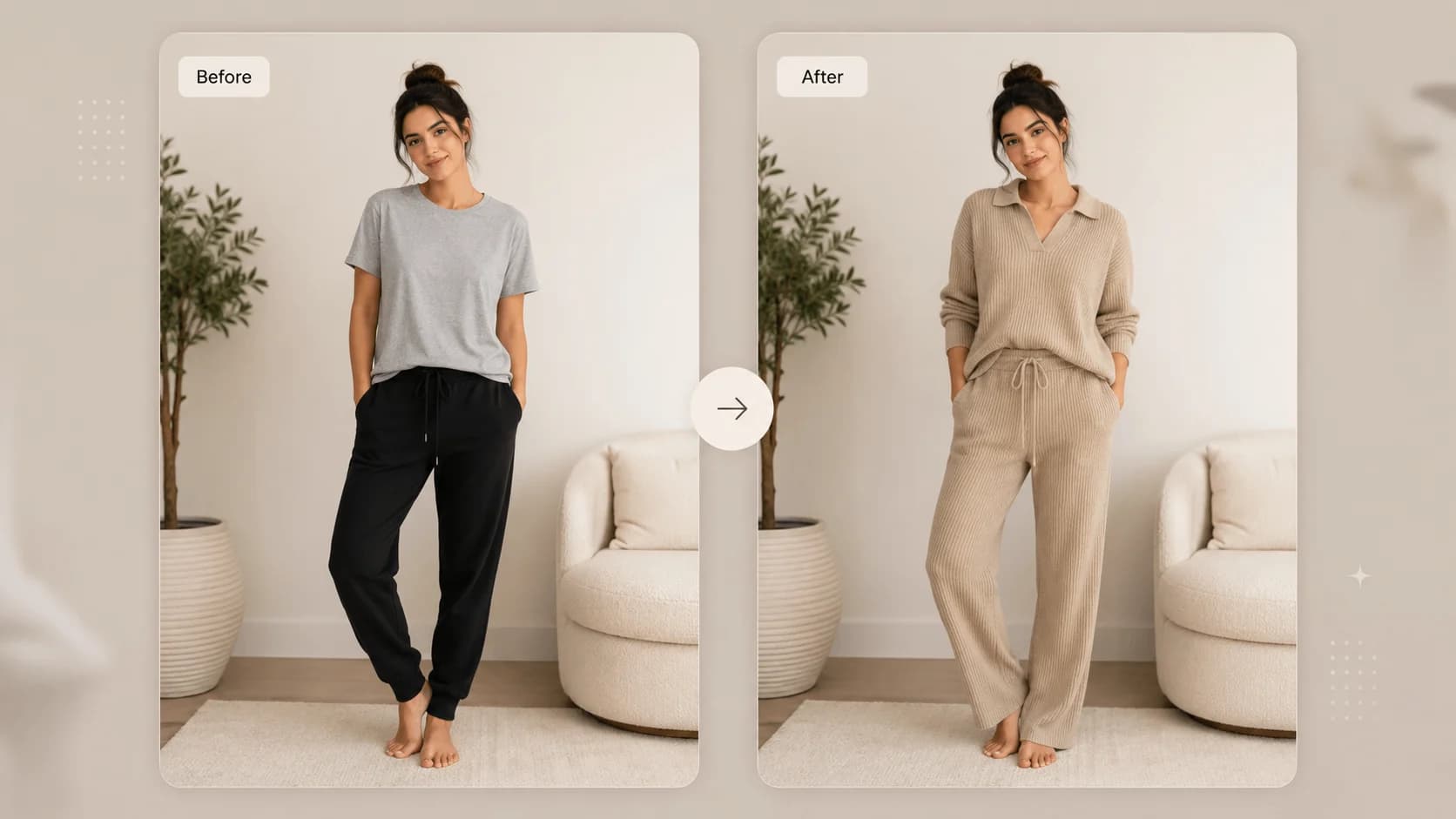
View Products
FAQ
Upload one clear person photo and at least one garment image. The editor supports top, bottom and full-body clothing selections.
Use a single, front-facing person in good light with the body visible. Avoid group shots, heavy blur and large objects covering the clothing area.
Use one garment photographed from the front or laid flat against a simple background. Keep it smooth, visible and separate from other clothing or objects.
No. The output is a visual styling preview. It cannot measure garment size, fabric stretch, comfort or the way an item will fit in person.
No. You can start with the daily free creations without an account or payment details. A failed generation is returned to the daily allowance.