Upload a portrait
Choose a clear JPG or PNG photo where the full face and hairline are visible.

Your 10 free creations reset each day. If a generation fails, that attempt is returned.
AI braids for men · braids for men try-on · box braids men
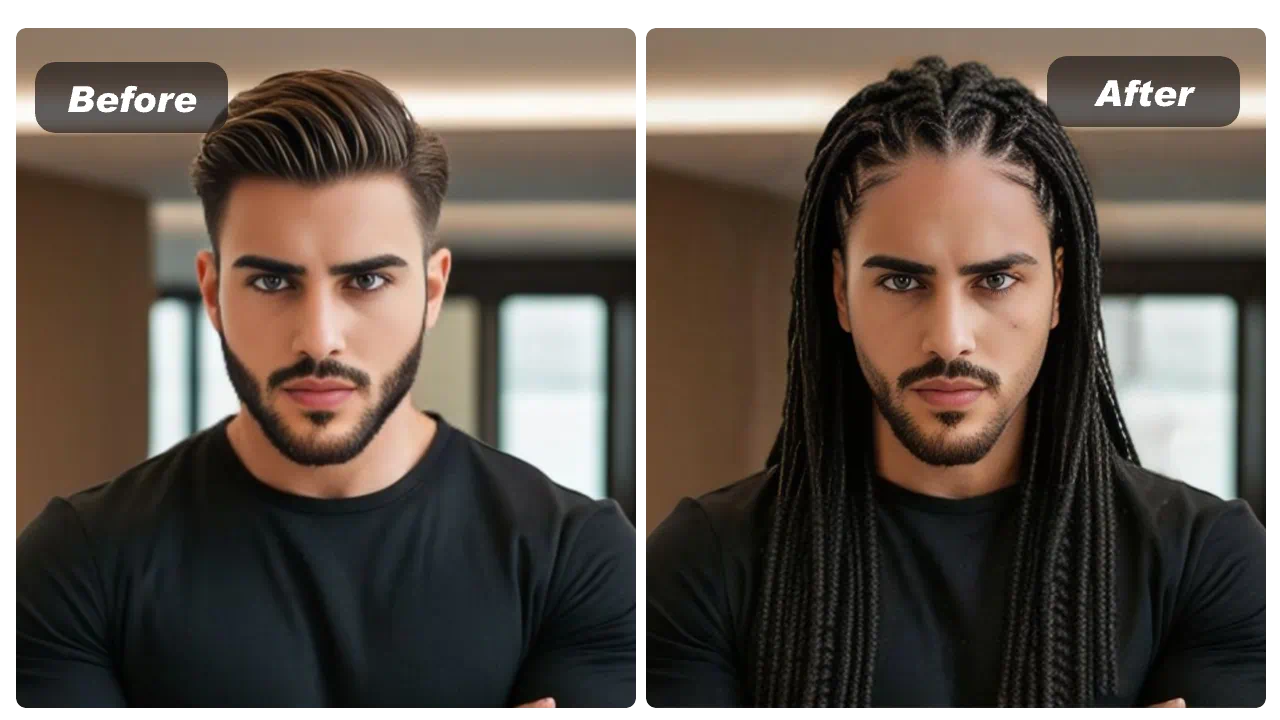
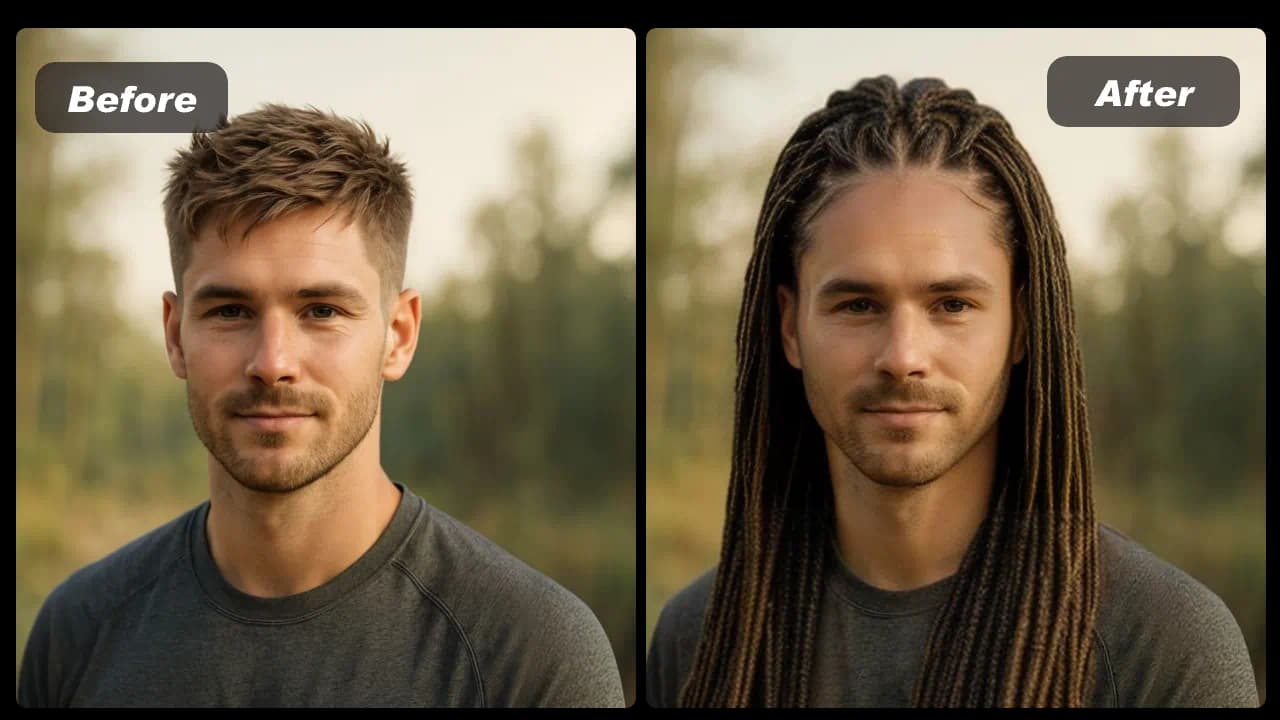
Upload a clear portrait to preview braided hairstyles such as box braids or cornrows, then compare the generated image with your original.
 1 / 5
1 / 5Upload a clear portrait to preview braided hairstyles such as box braids or cornrows, then compare the generated image with your original.
01Upload a portrait
Choose a clear JPG or PNG photo where the full face and hairline are visible.
02Choose a braid style
Select a braided hairstyle and start the generation.
03Compare and download
Review the preview beside your original image, then save a reference for your stylist if useful.
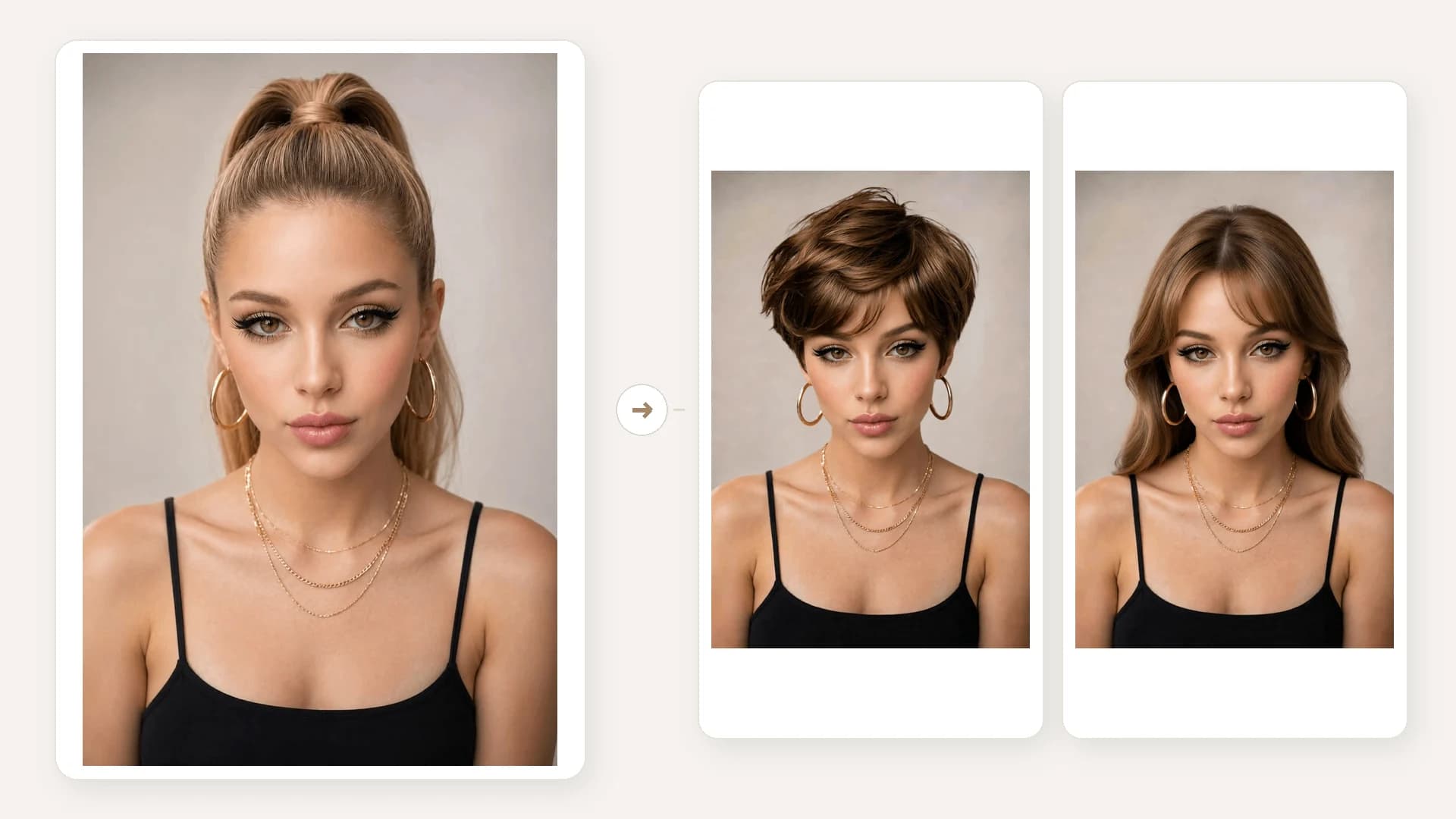
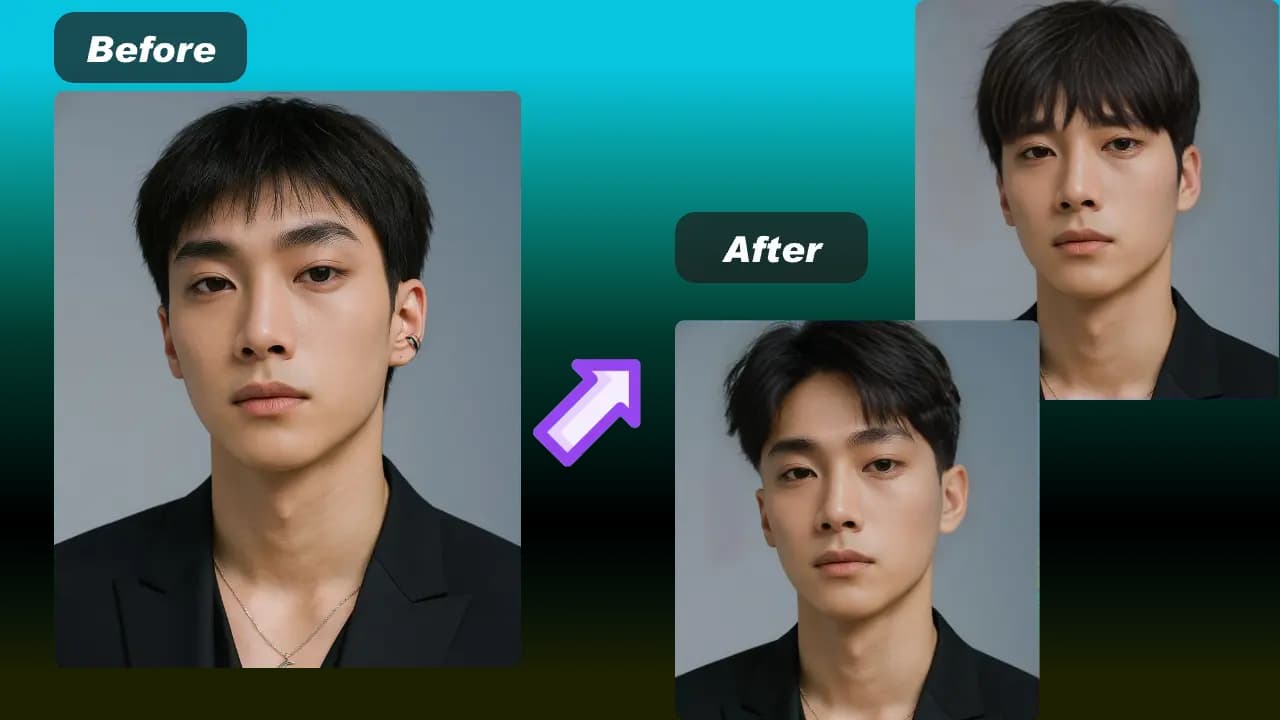
Compare braided hairstyle examples to see how a braid pattern can look on the same portrait.
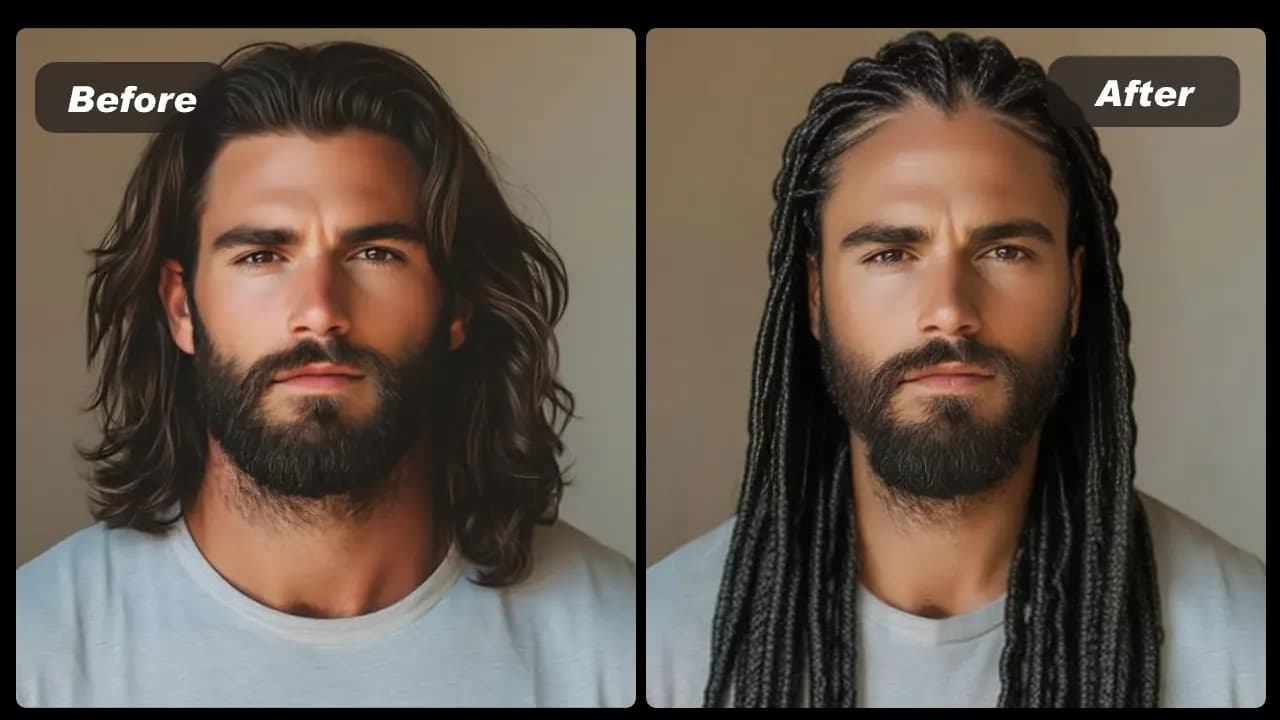
HOW IT WORKS
Use a clear, forward-facing portrait to create a braided hairstyle preview and compare it before choosing a style for the barber or braider.
Choose a clear JPG or PNG photo where the full face and hairline are visible.
Select a braided hairstyle and start the generation.
Review the preview beside your original image, then save a reference for your stylist if useful.
01
Use the same portrait to compare a box-braid direction with another braided look. The visual result can help you communicate a style reference before you book.
02
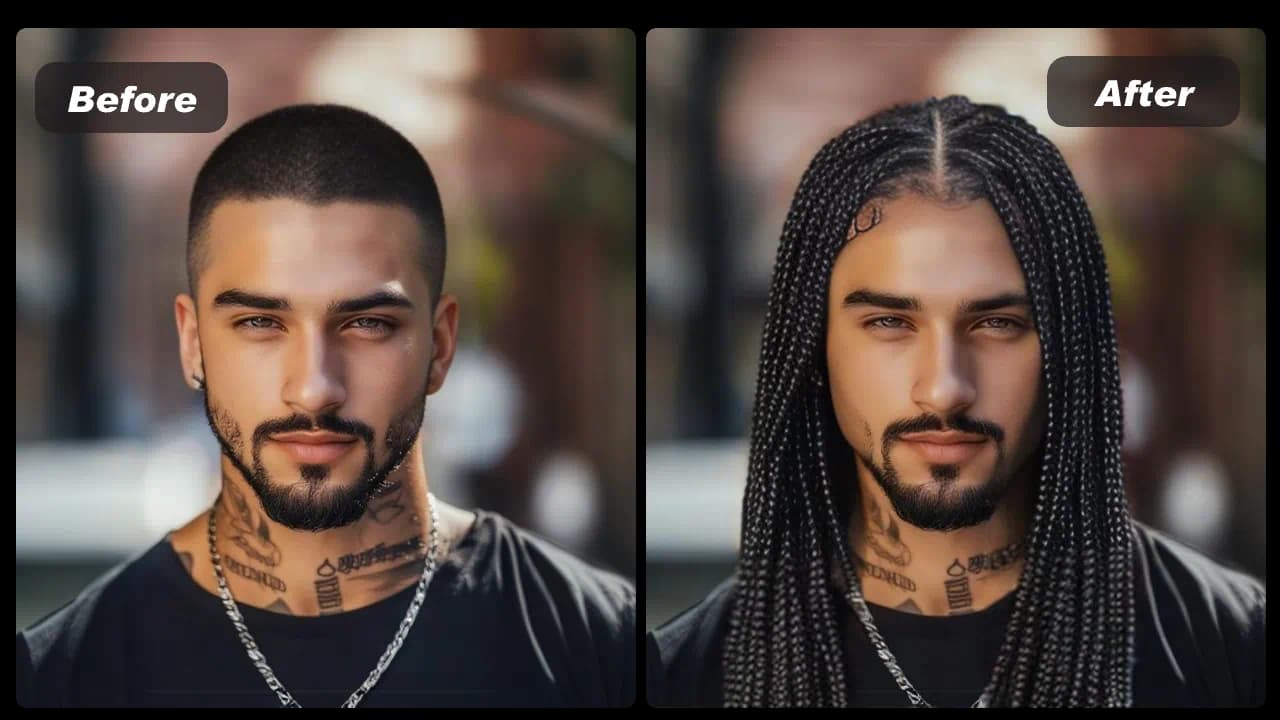
Keep the portrait unchanged while trying different patterns. This makes the visual differences in parting, braid direction and overall silhouette easier to compare.
03
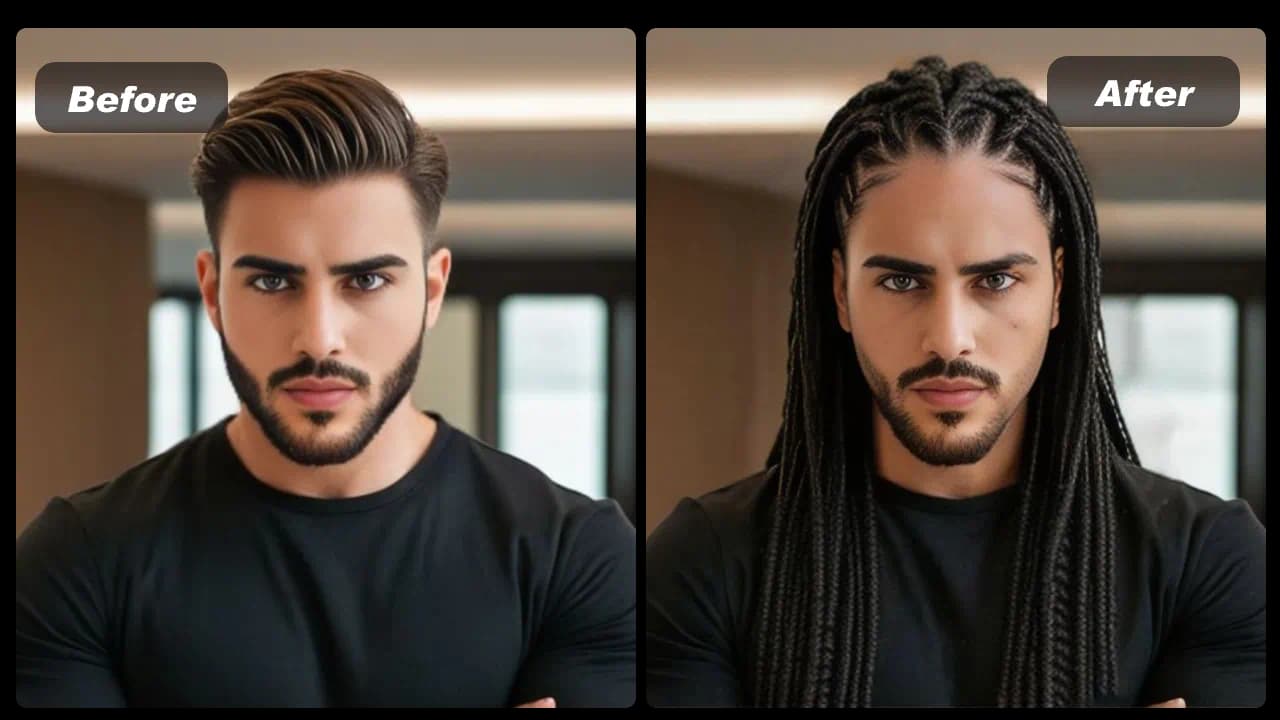
A well-lit image with the face and hairline unobstructed gives the editor a better source. Avoid group photos, strong filters and photos taken from a steep angle.
04
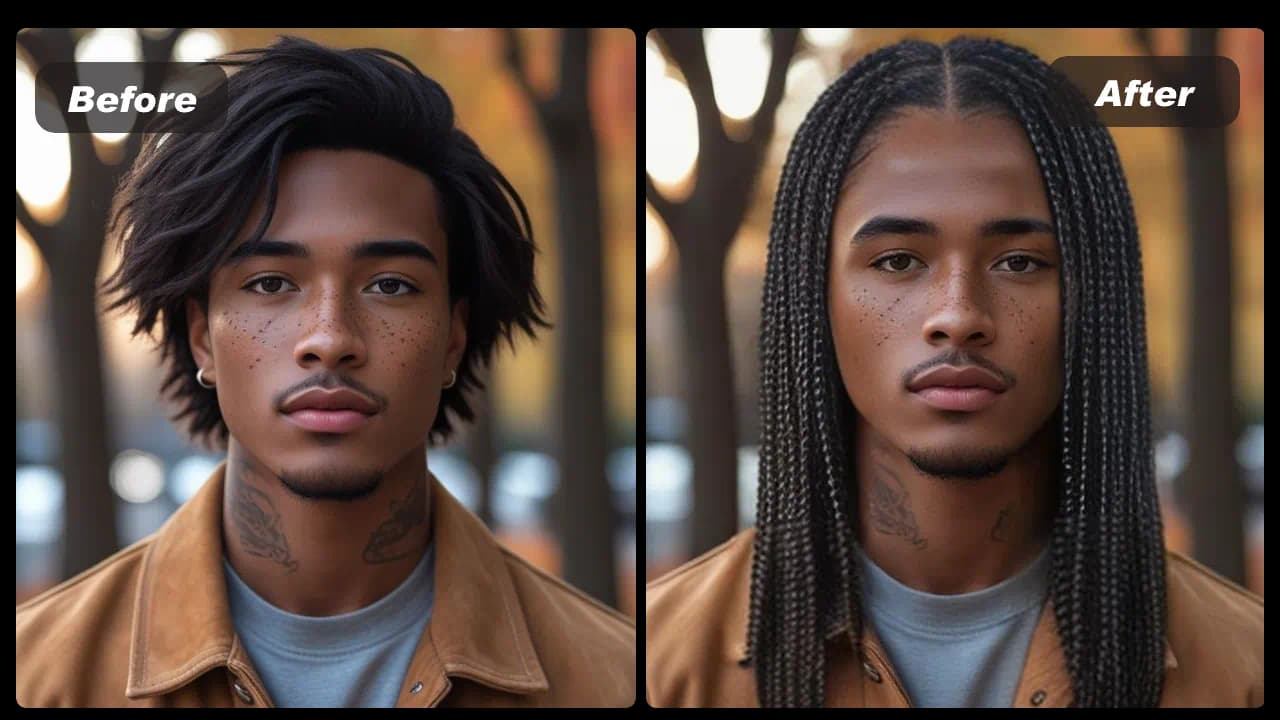
Hair texture, length, density and the braider’s technique affect the real result. Share a generated preview as a starting reference rather than a precise outcome guarantee.
View Products
FAQ
Use a clear, front-facing portrait where the hairline and face are visible. Avoid group images, heavy filters and photos where hair covers most of the face.
Yes. Generate different styles with the same portrait to make the visual differences easier to read.
Yes. It can be a useful visual reference, but your natural hair texture, length and the chosen technique will affect the in-person result.
No. You can use the daily free creations without an account or payment details.
A failed generation is returned to the daily allowance. Try again with a clearer portrait or another selected style.
No. It creates a visual version of the style you select so you can make your own comparison.