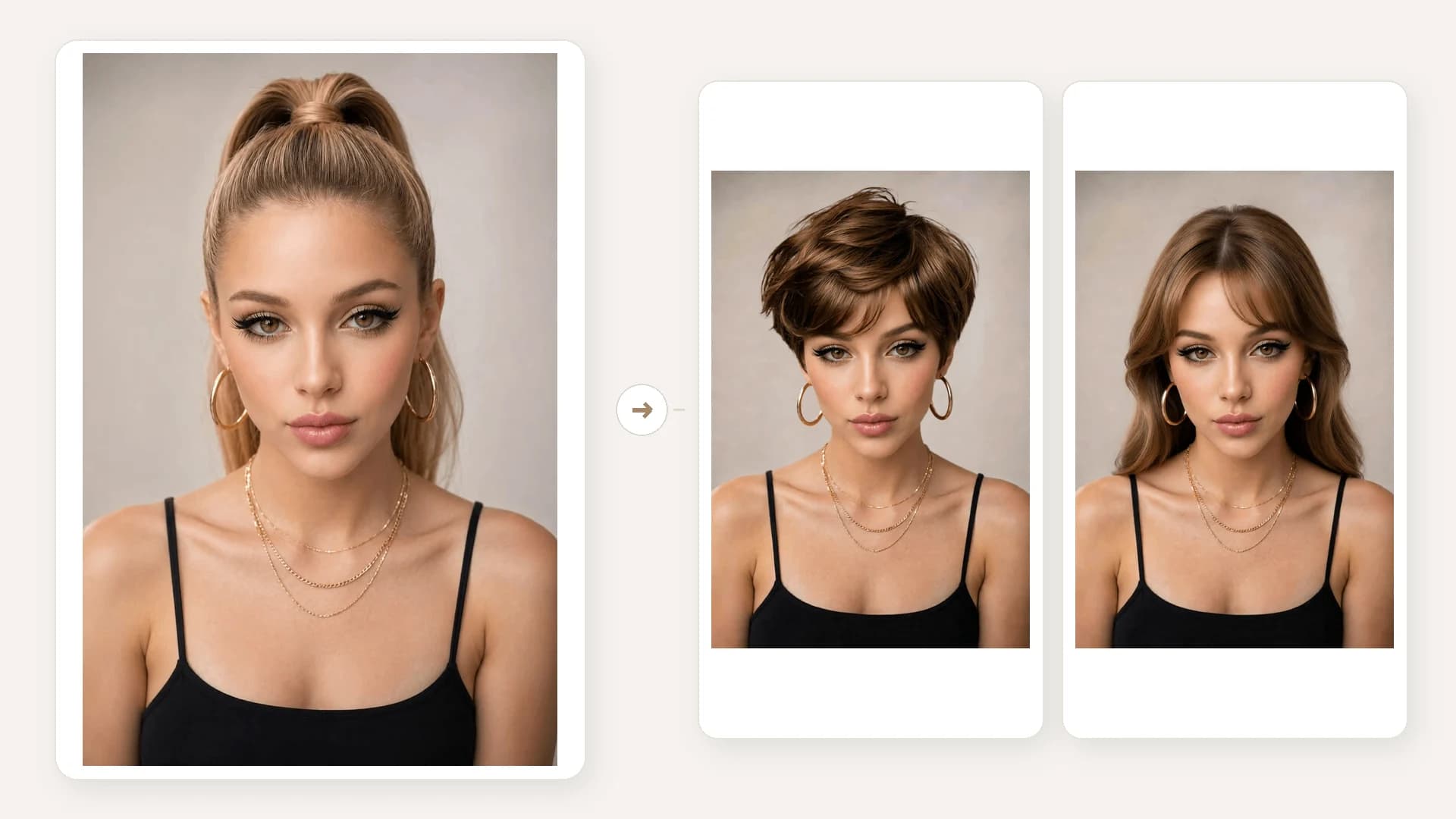
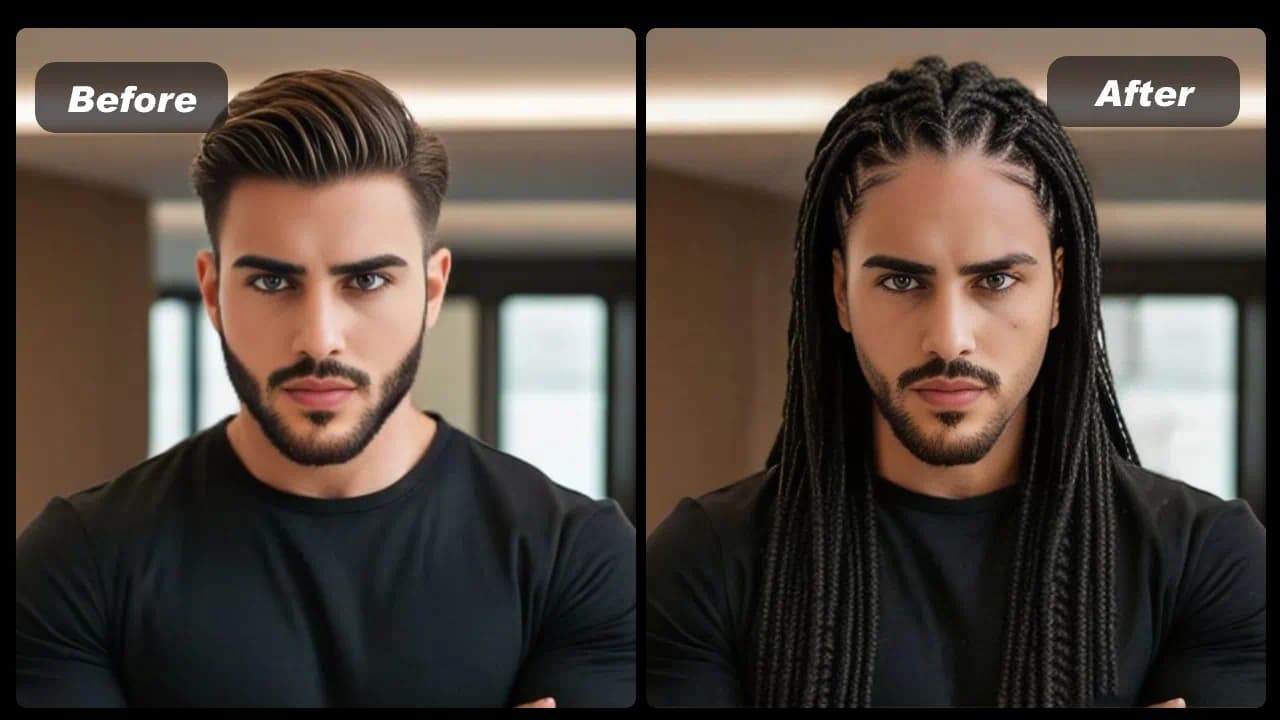
Upload a portrait
Choose a clear JPG or PNG where the full face and hairline are visible.

Your 10 free creations reset each day. If a generation fails, that attempt is returned.
two-block haircut try-on · Korean two-block haircut · 2 block haircut
Upload a clear portrait to preview a two-block haircut on your photo and compare the generated style before you book a barber appointment.
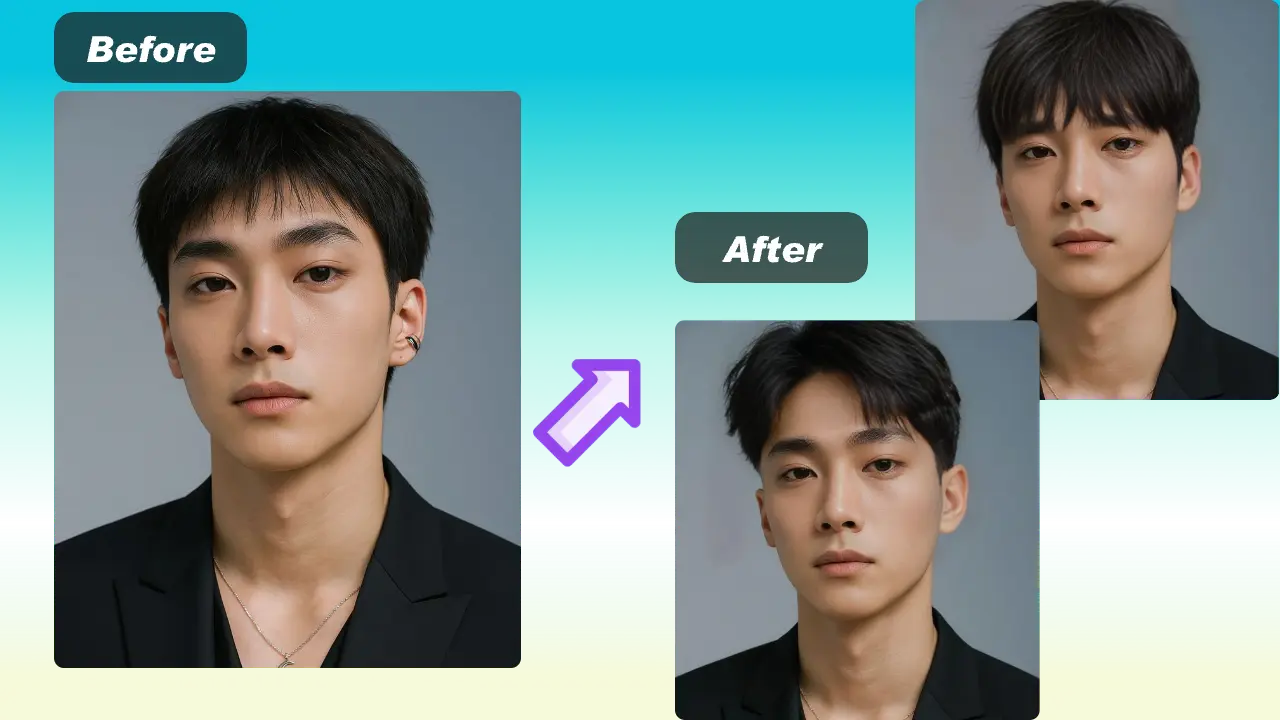 1 / 5
1 / 5Upload a clear portrait to preview a two-block haircut on your photo and compare the generated style before you book a barber appointment.
01Upload a portrait
Choose a clear JPG or PNG where the full face and hairline are visible.
02Choose the two-block style
Select the hairstyle and start generation to create a visual preview.
03Compare and download
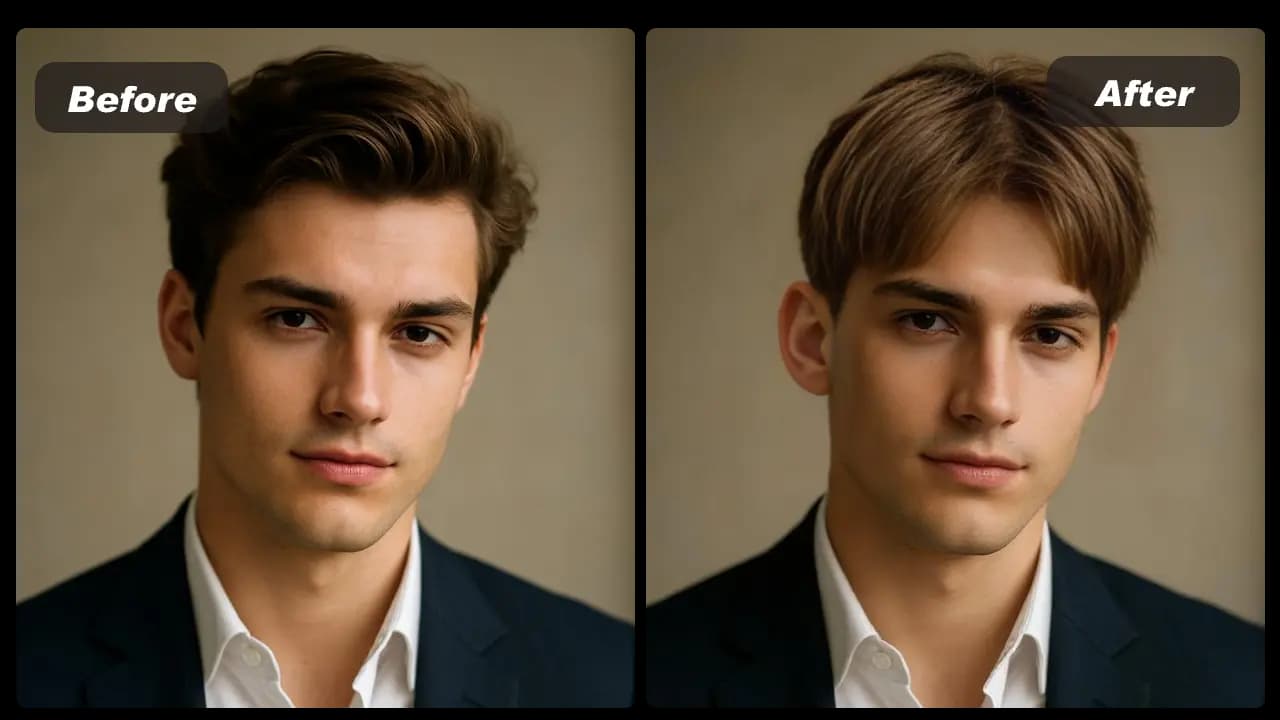
Review the generated haircut beside your original portrait, then save a reference if useful.
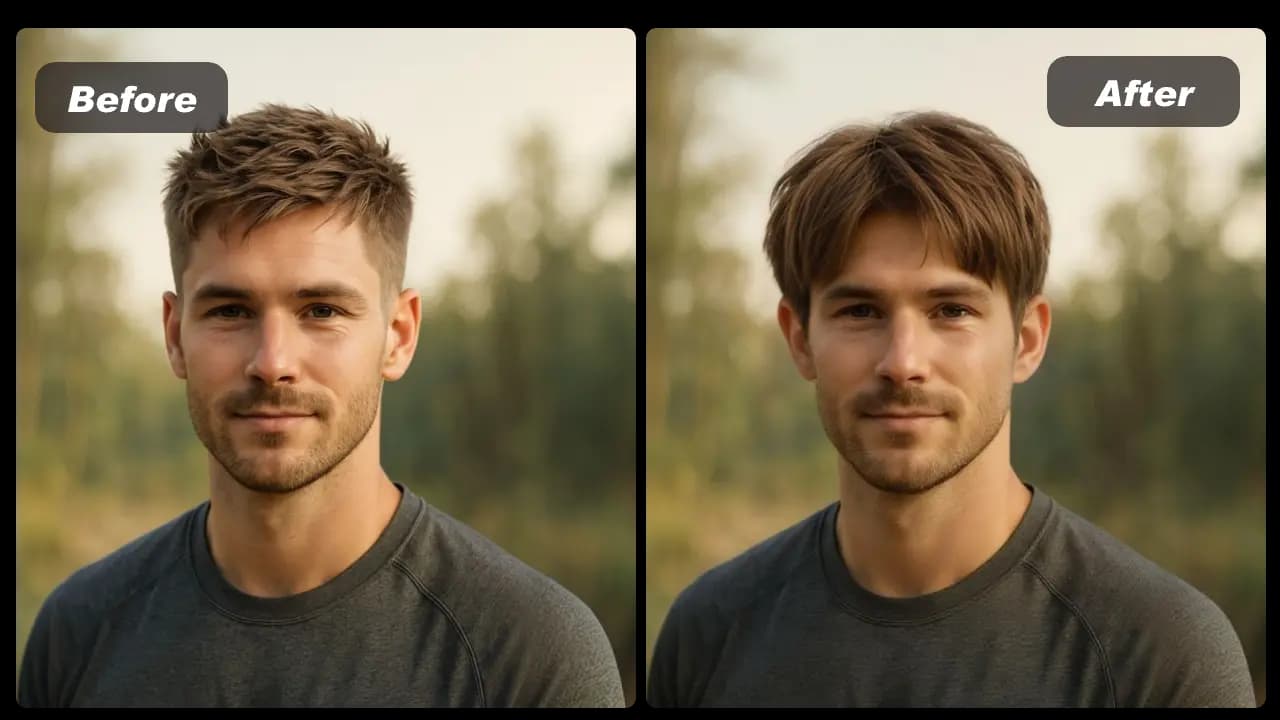
Compare a two-block haircut preview with your original portrait before you ask a barber for the look.
HOW IT WORKS
Use a clear portrait to make a visual haircut reference. The preview can guide a conversation with a barber but cannot predict the exact in-person cut.
Choose a clear JPG or PNG where the full face and hairline are visible.
Select the hairstyle and start generation to create a visual preview.
Review the generated haircut beside your original portrait, then save a reference if useful.
01
A two-block haircut keeps the sides and back shorter than the top. Use a portrait preview to see one possible direction before making a real cut.
02
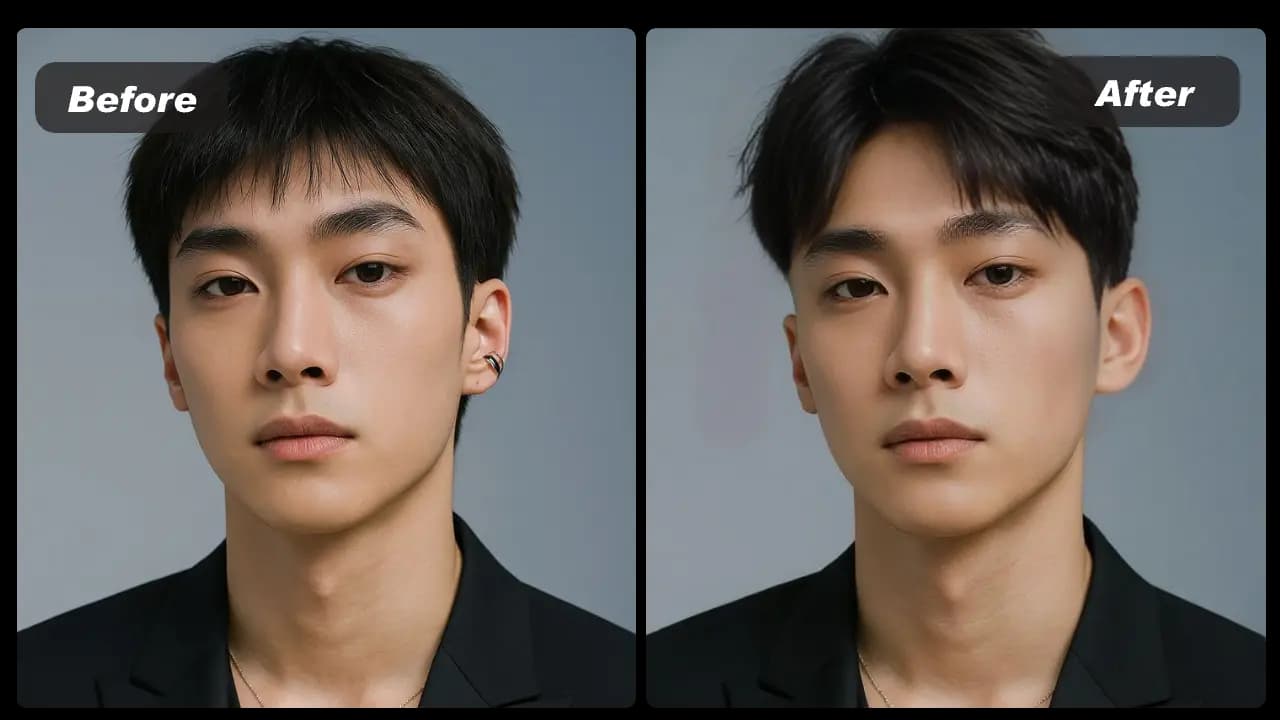
Generate more than one preview from the same portrait when you want to compare a softer Korean-inspired direction with a more defined top and side contrast.
03
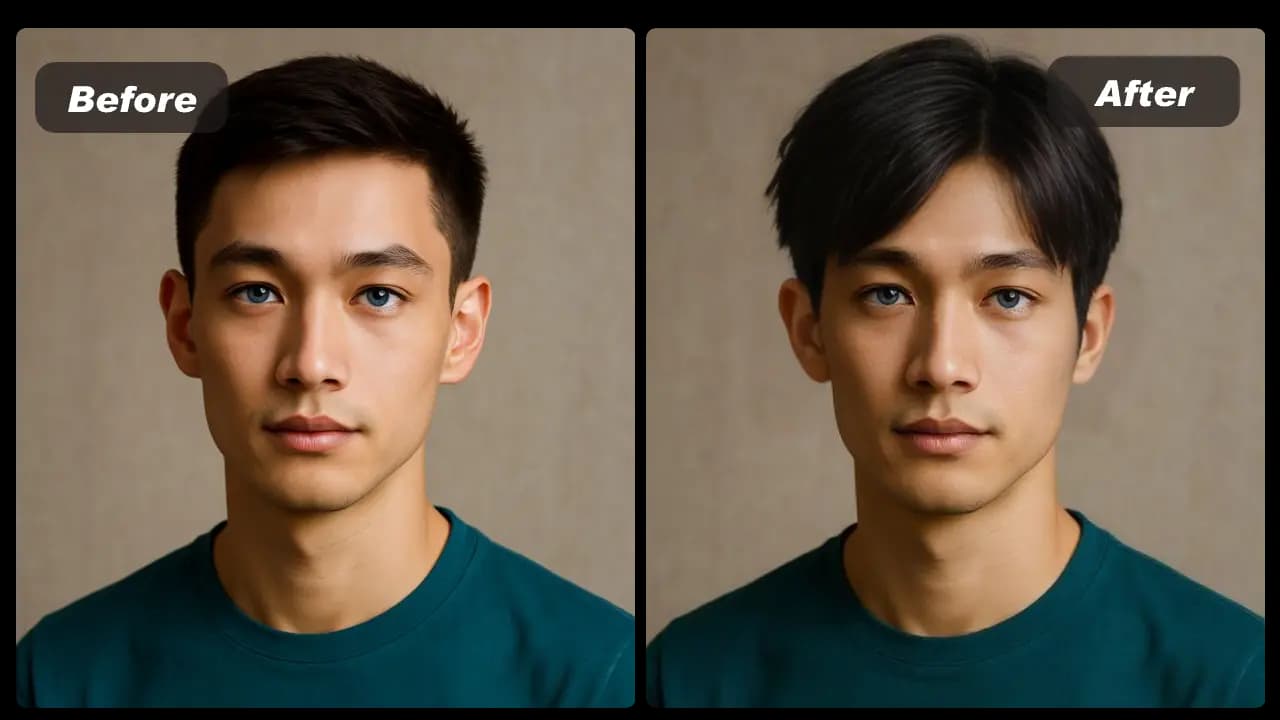
A well-lit photo with the face and hairline unobstructed gives the editor a better starting point. Avoid group photos, extreme angles and heavy filters.
04
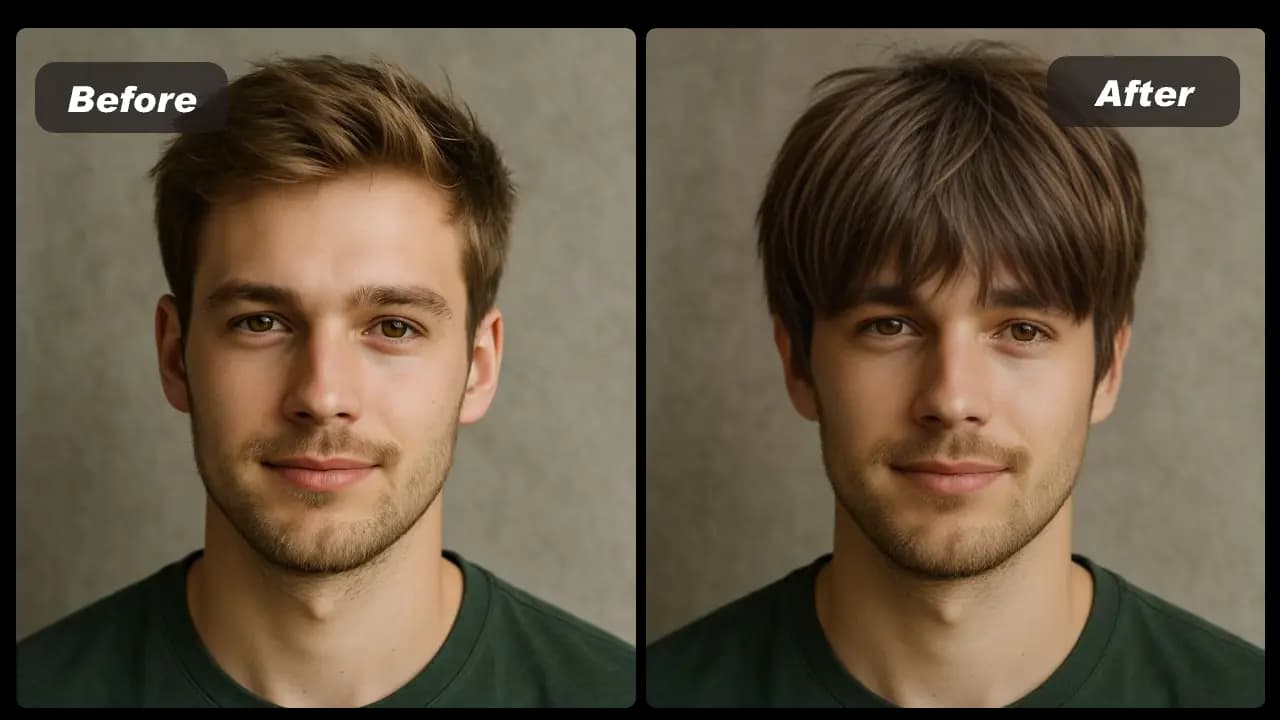
Your hair texture, density, growth pattern and the cutting technique will affect the in-person result. Bring the preview together with a real reference photo to make the desired direction clearer.
View Products
FAQ
It is a cut with shorter sides and back, plus more length on top. The contrast can be styled softly or with a more defined separation.
Use a clear, front-facing portrait where the full face and hairline are visible. Avoid strong shadows, group photos and images where hair covers the face.
Yes. It can show the direction you want, but it is not an exact cutting instruction. Add a real style reference and discuss your hair texture and maintenance preferences.
Yes. “2 block” is a shortened name for the same haircut family.
The result reflects the angle in your source photo. Use it to compare the visible view; consult a barber for back and side details.
A failed generation is returned to the daily allowance. Try again with a clear portrait or a different style option.